
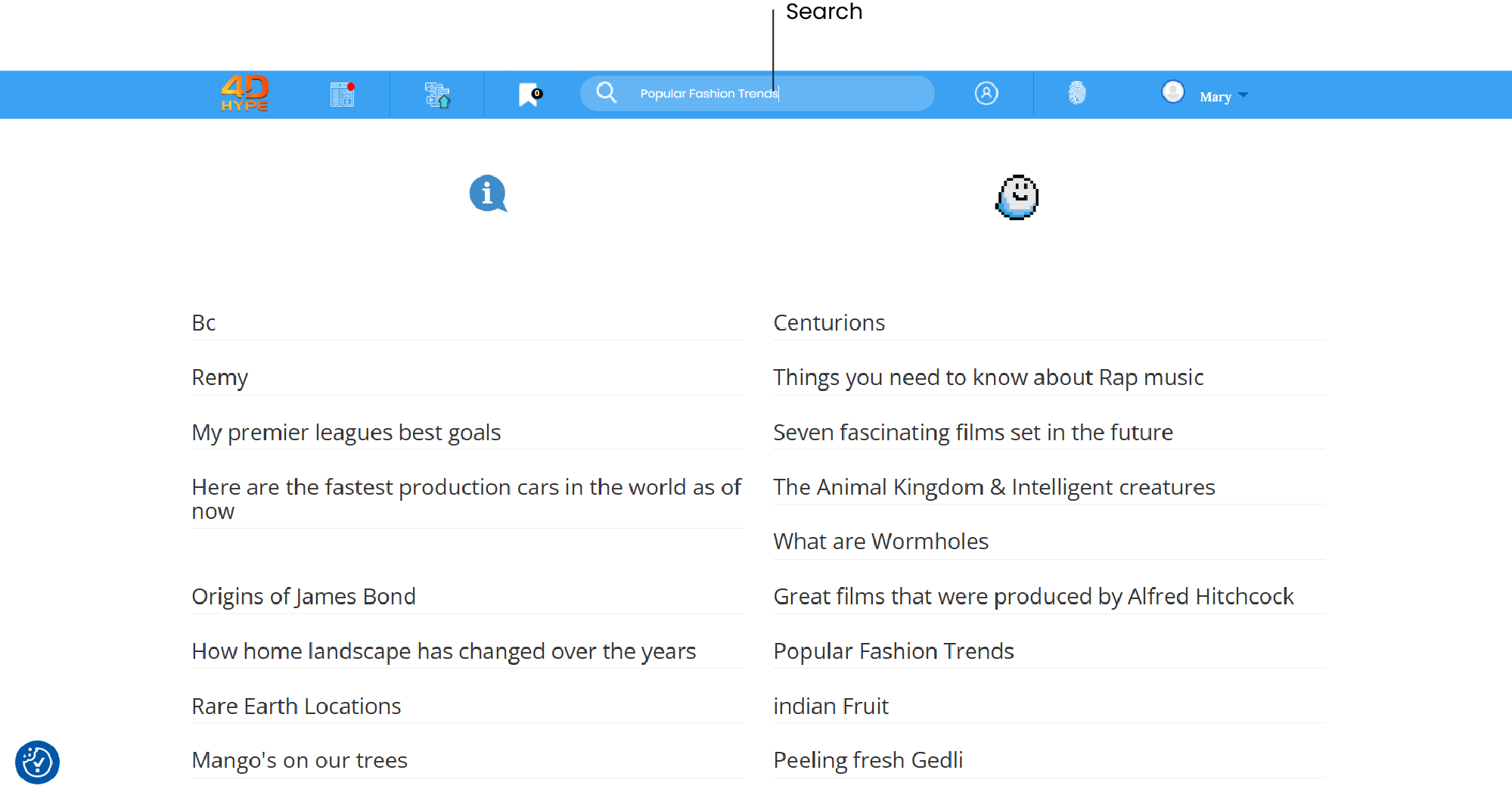
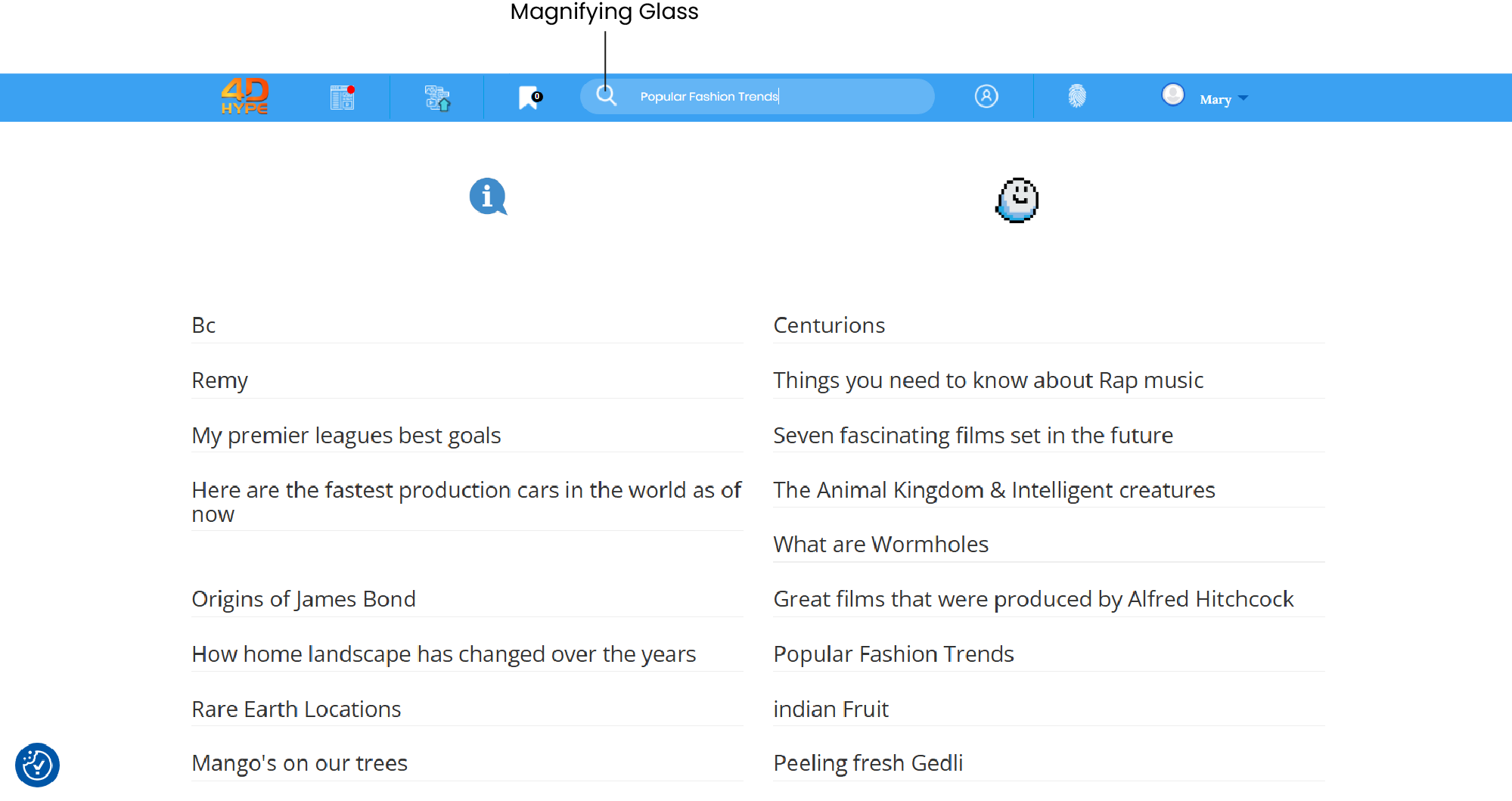
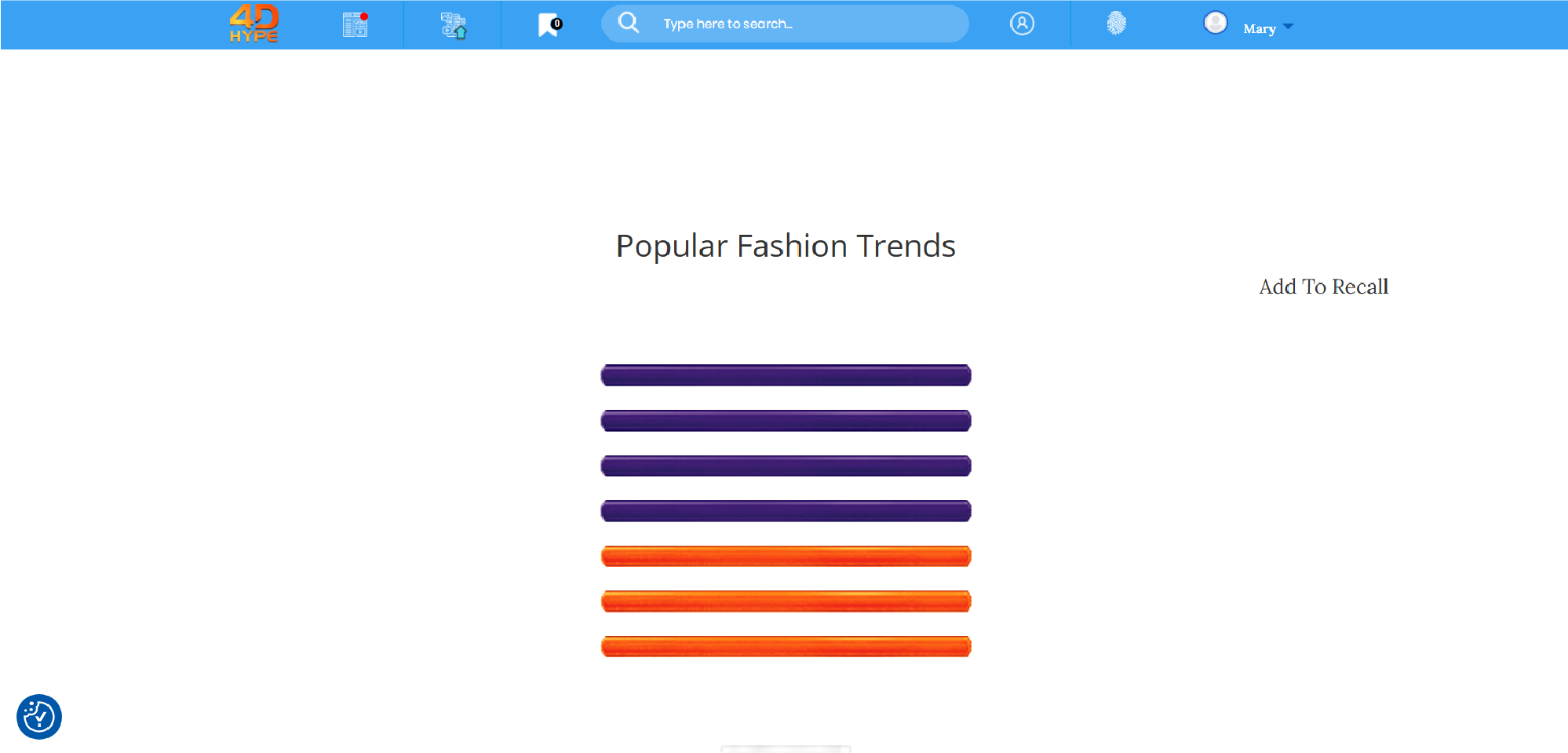
1. Using the ‘Search  ʼ, search can be accessed from all pages,search can be found at the top of the page, centred in the middle with the magnifying glass icon to the left.
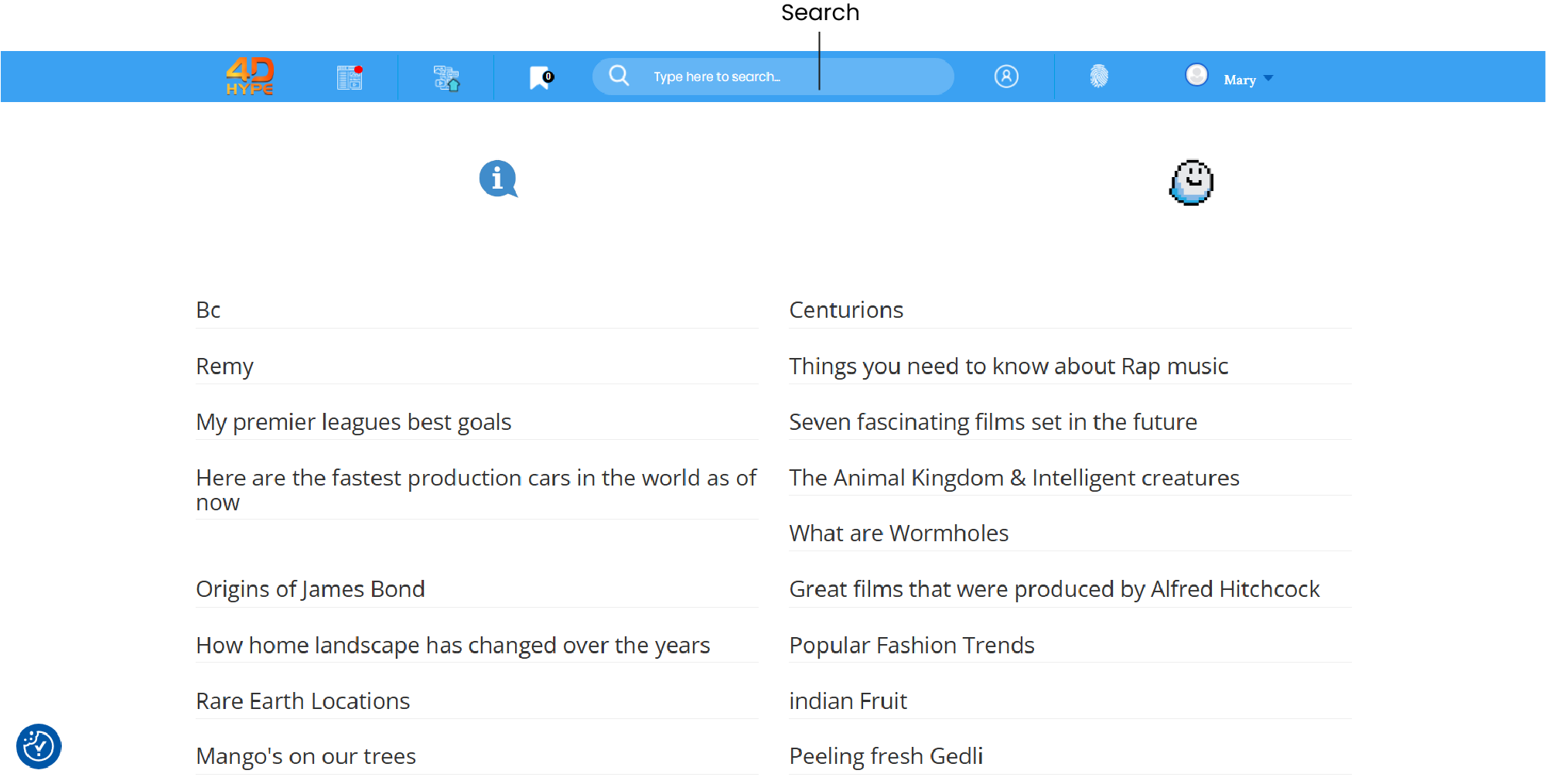
2. Searching can be used to discover what’s happening on 4D Hype around the world, you can perform various types of searches for user submit content to the website site such as links, text posts, images, and videos!
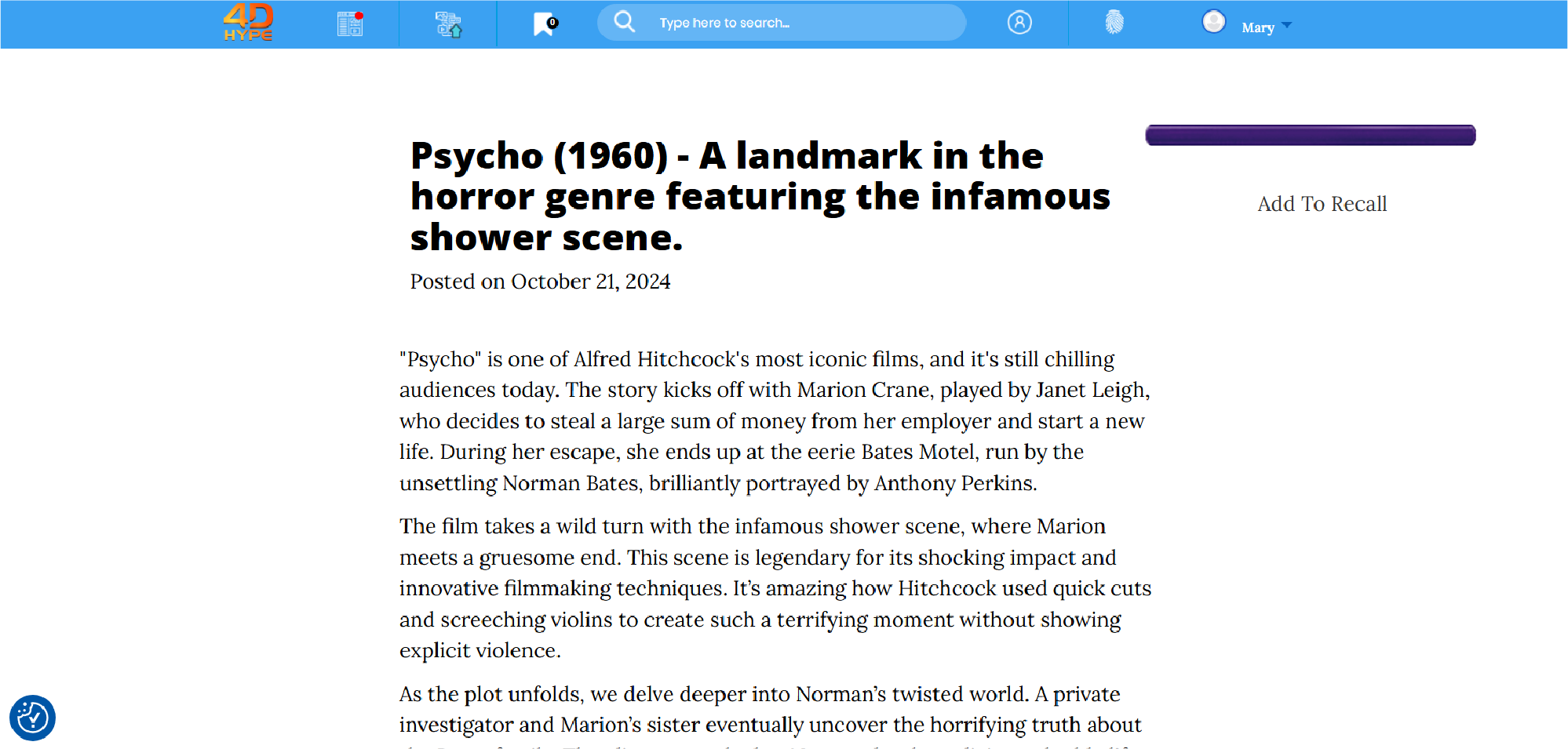
3. Locate the search box at the top of the page.
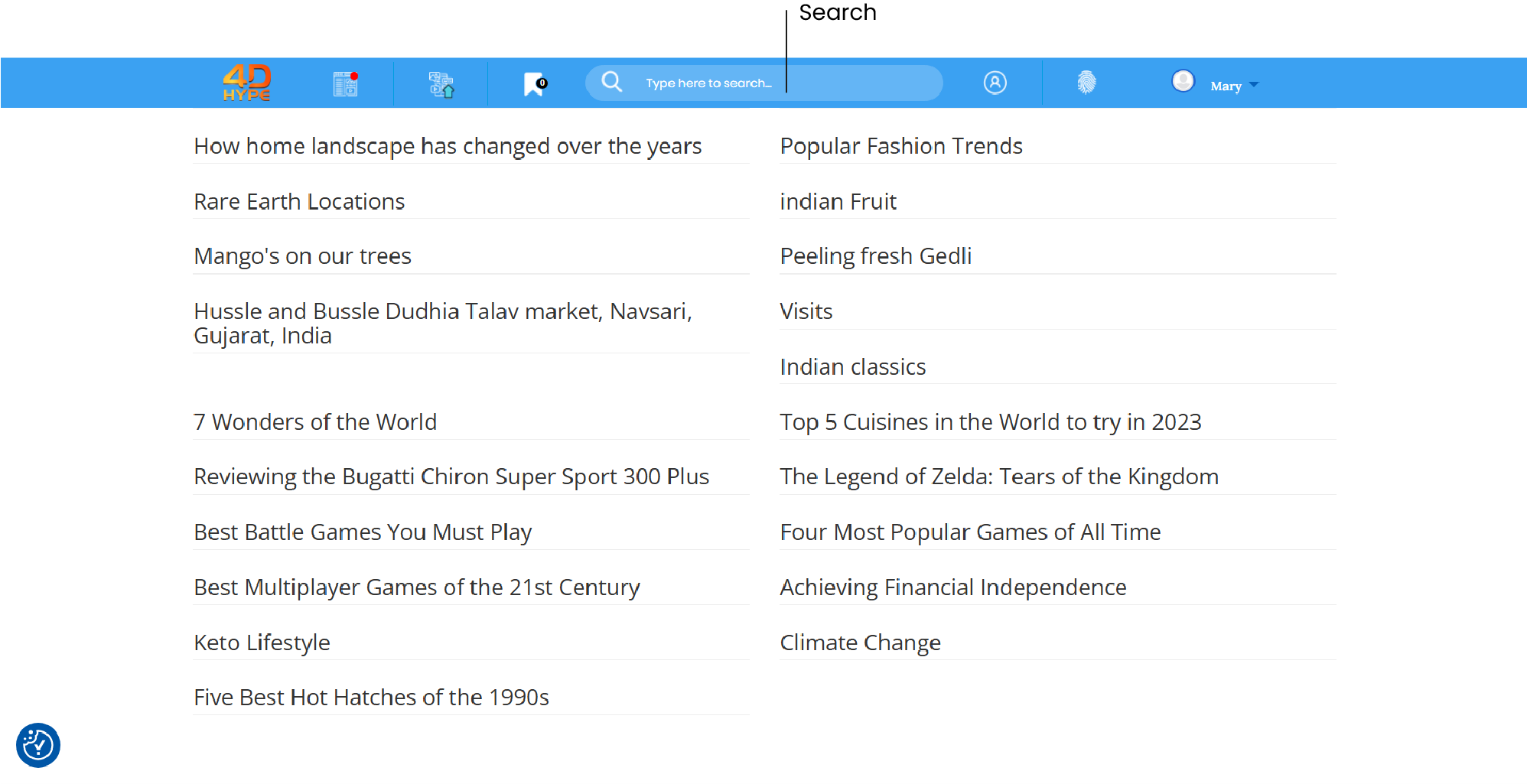
4. No matter what you're looking for, start with a simple search like ‘Popular Fashion Trends'.
5. Hit on the magnifying glass icon and/or press the Enter key on your keyboard!
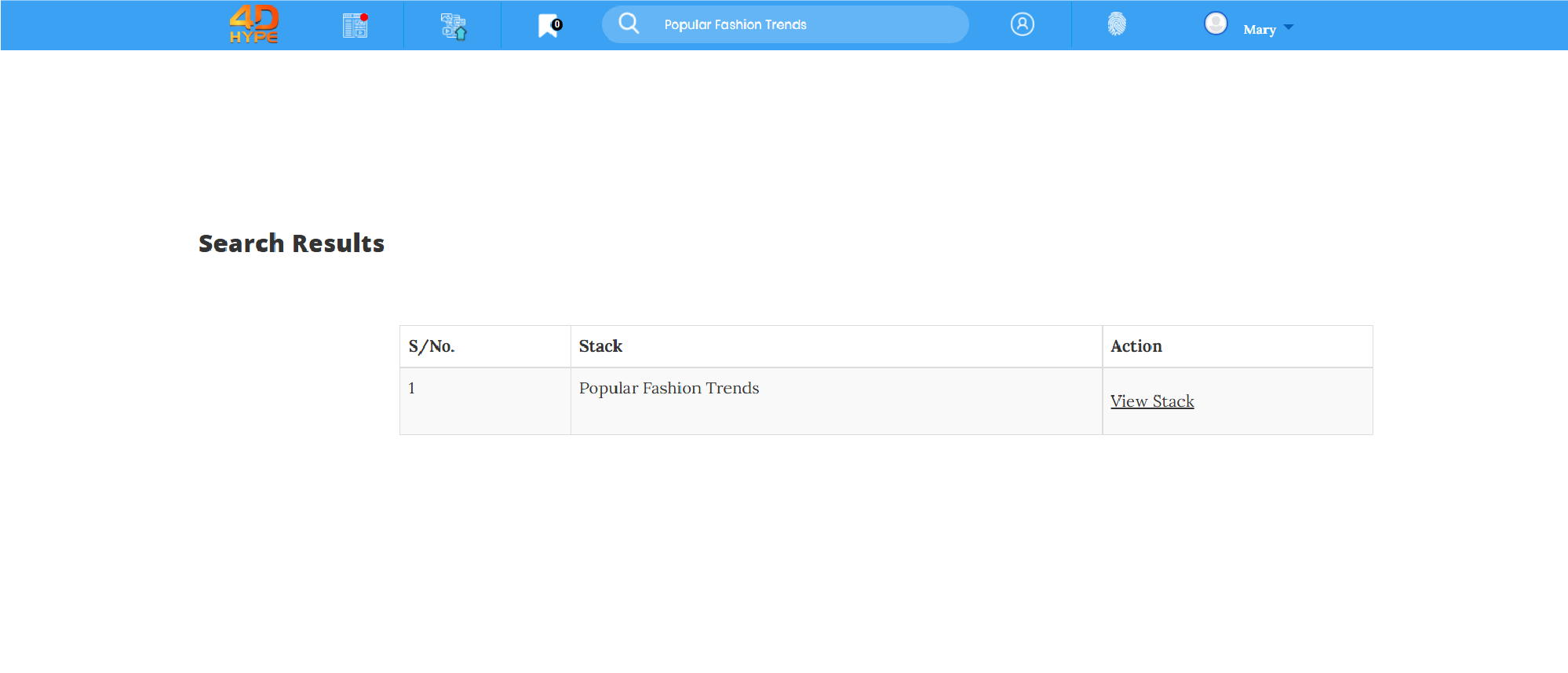
6. The next page will show the results of searched stacks relevant to query.
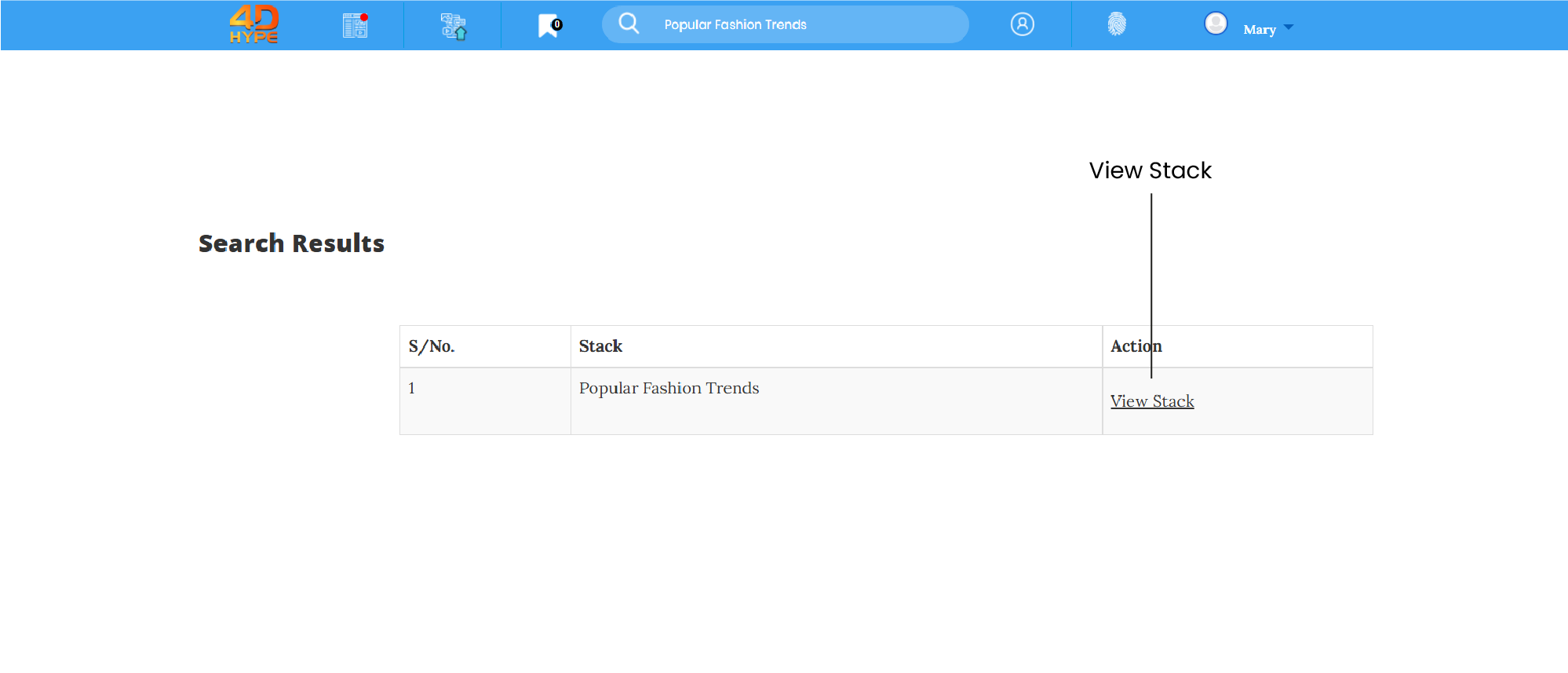
7. These can be viewed by clicking on the ‘View Stack'.
Not quite what you're looking for?
Contact Us