
We want people to experience 4D HYPE and to help maintain a good level of information the site is invite only. For now though you can get in by requesting an invite.
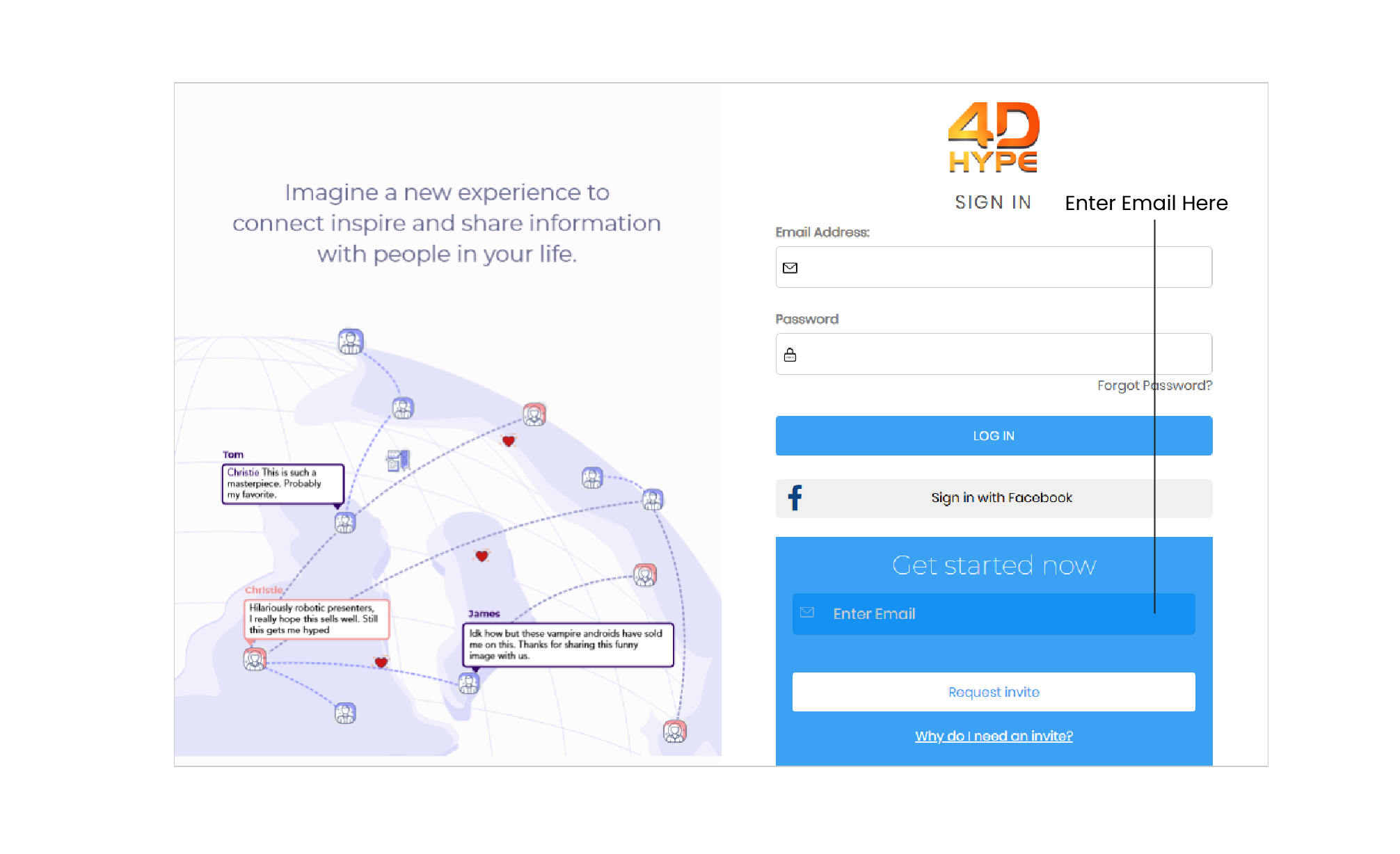
1. Go to https://www.4dhype.co.uk/
2. In the  now box please enter your e-mail address.It's important when registering your 4D Hype account that you please use an email address you can access and maintain access to.
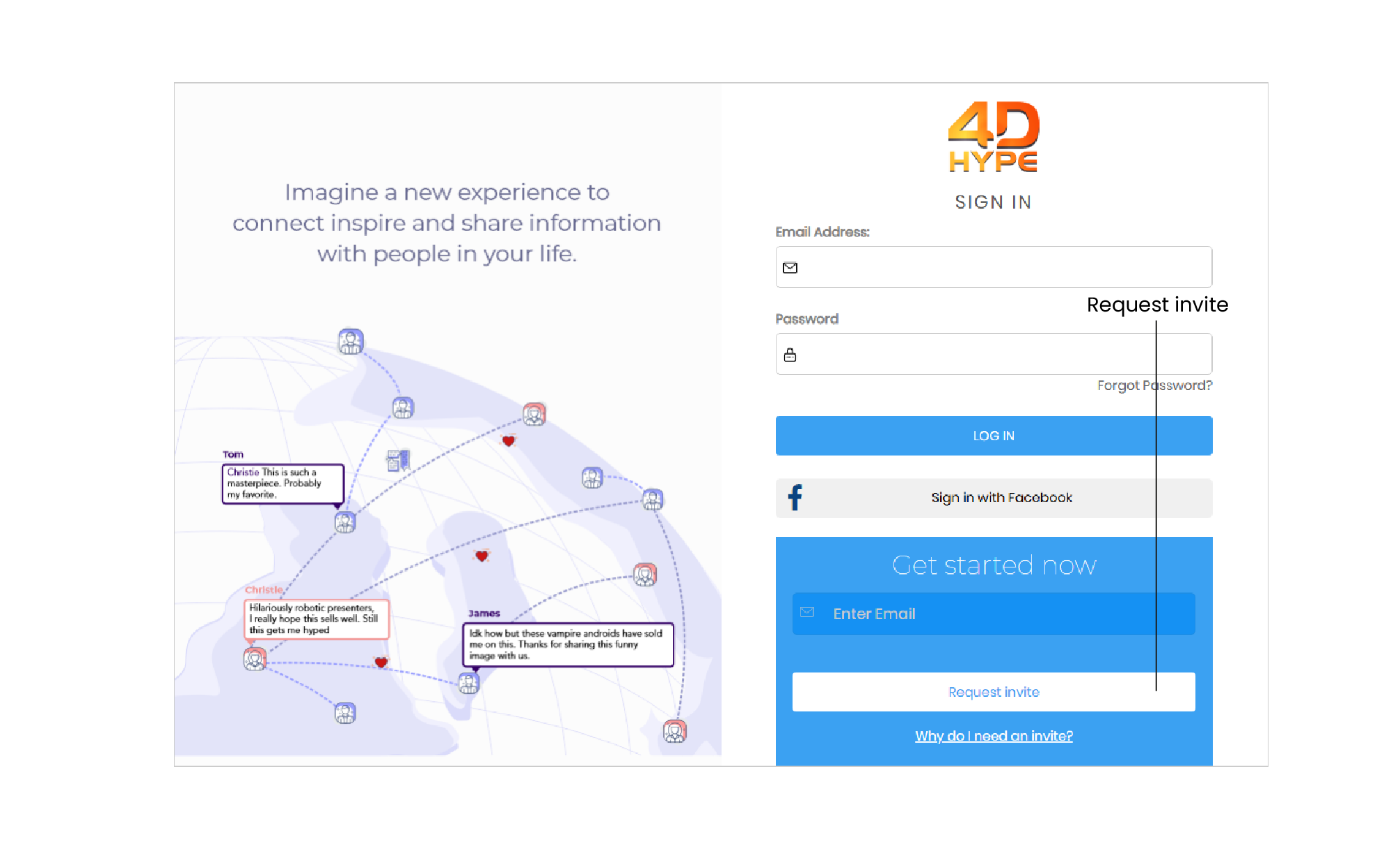
3. Once you have entered your e-mail address then please click the Request invite button.
Invite approved
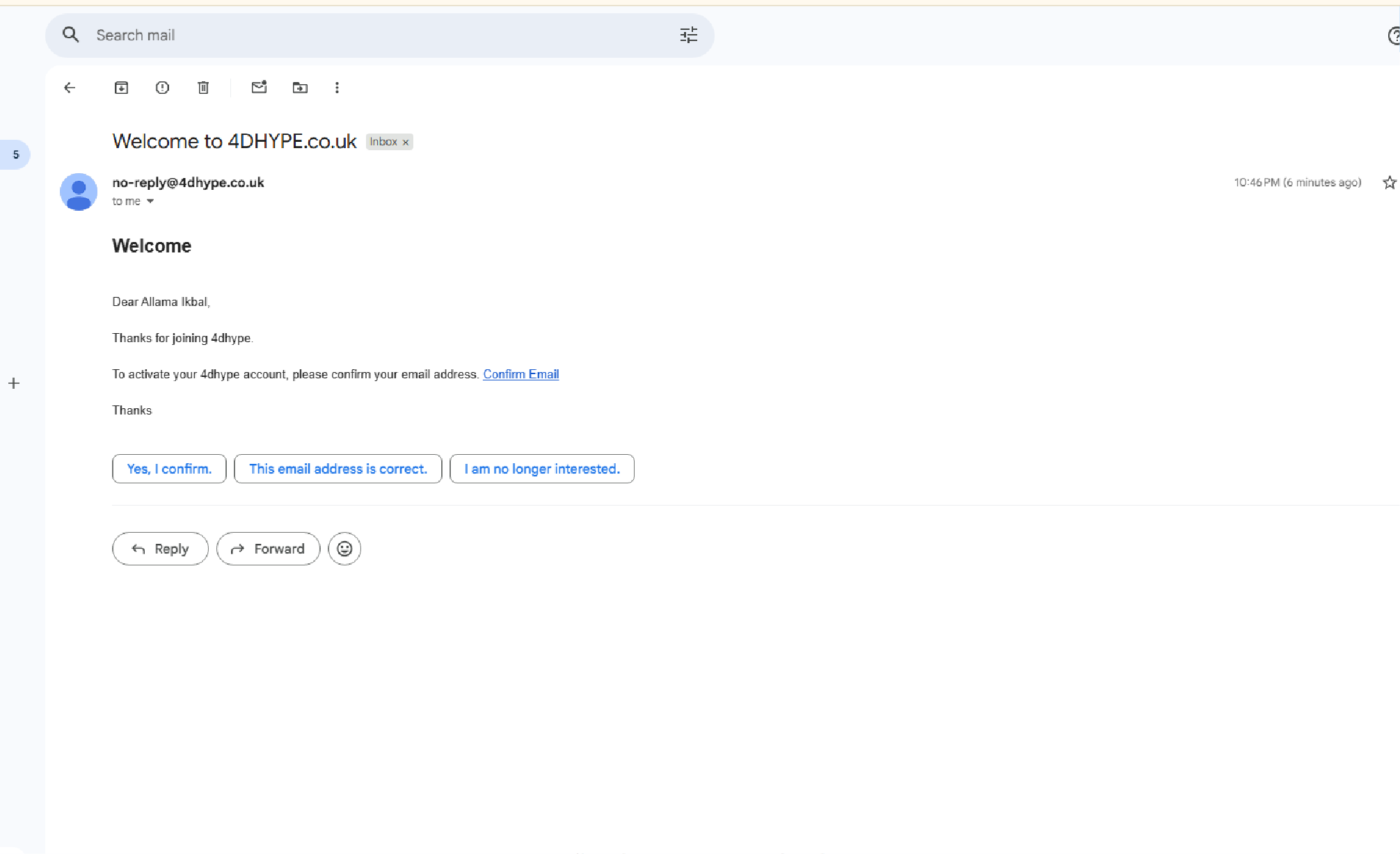
1. Once your invite has been approved you will receive an e-mail to your inbox – look out for the e-mail 
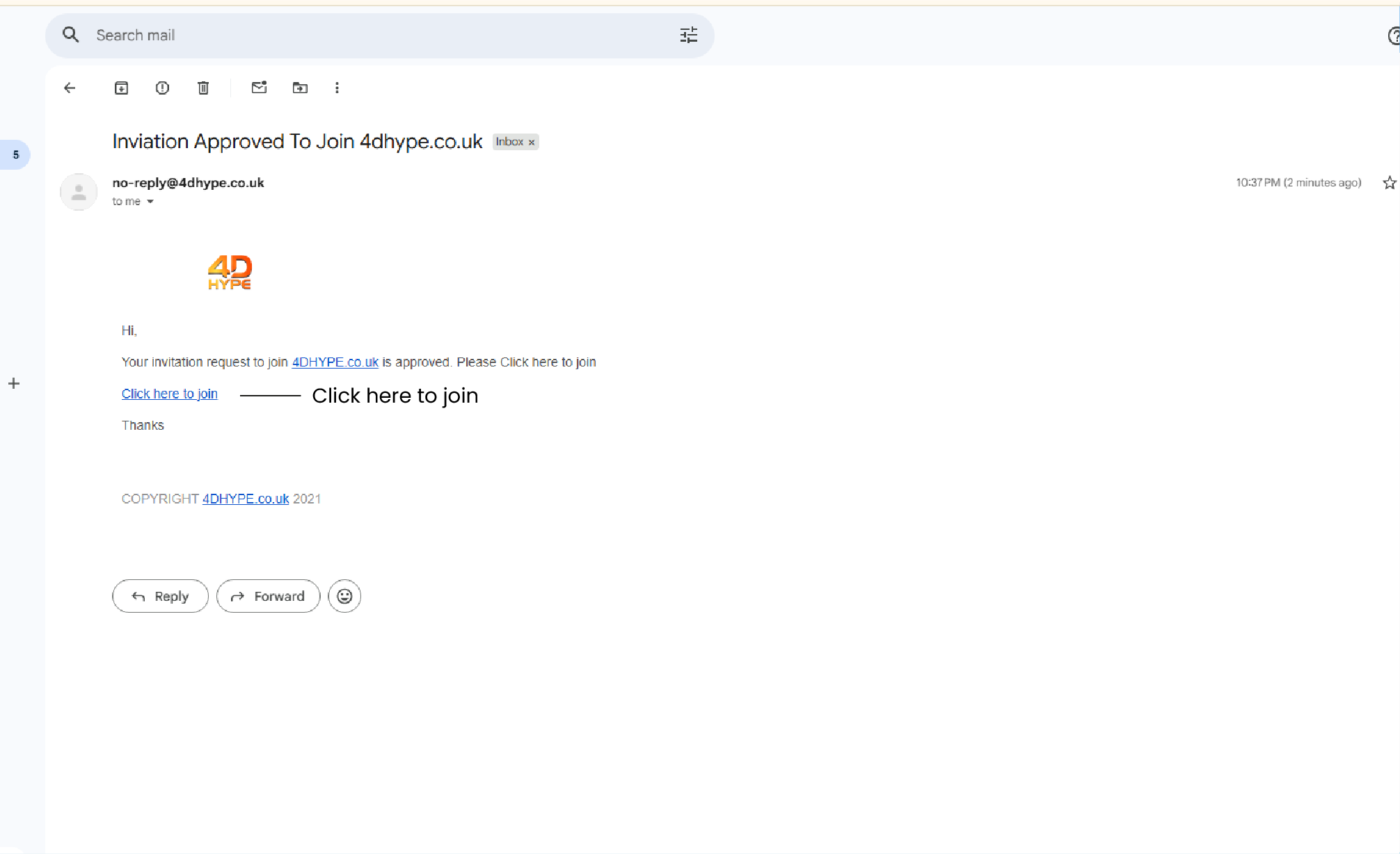
2. Open and click the link contained in the e-mail. During registration you will need to enter the following information
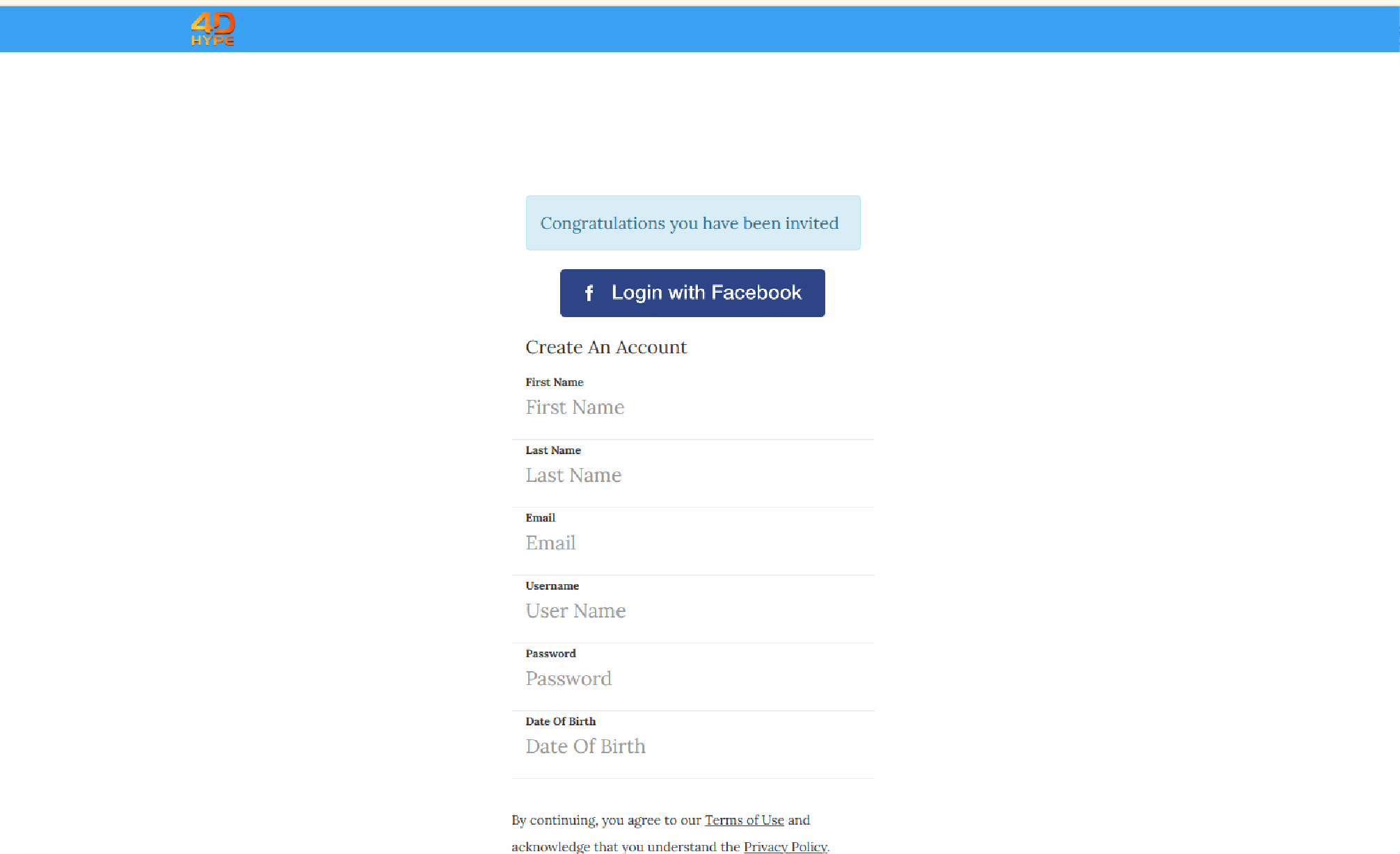
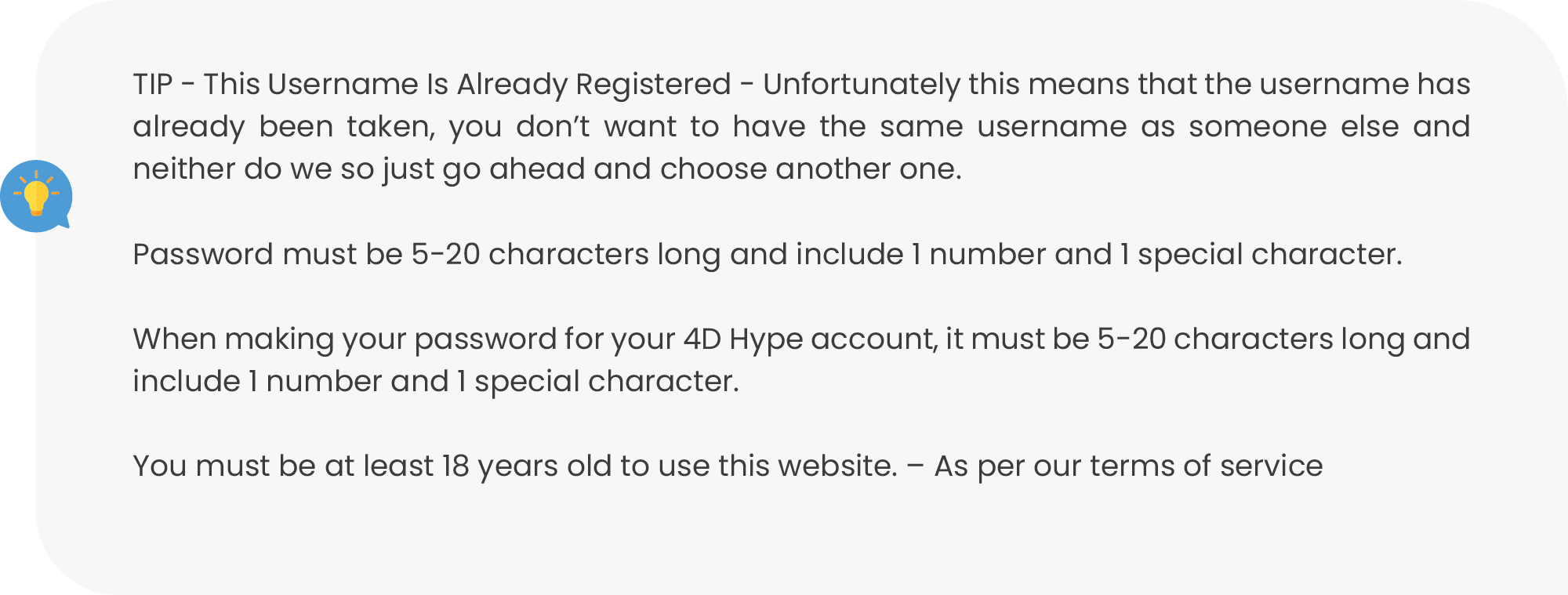
3. To complete registration click on the  button.

 activation e-mail
1. First verify your email by clicking the link in the activation email; upon completion of this final step you should now have access to your account. You can now come on in and check us out!
1. Go to https://www.4dhype.co.uk/
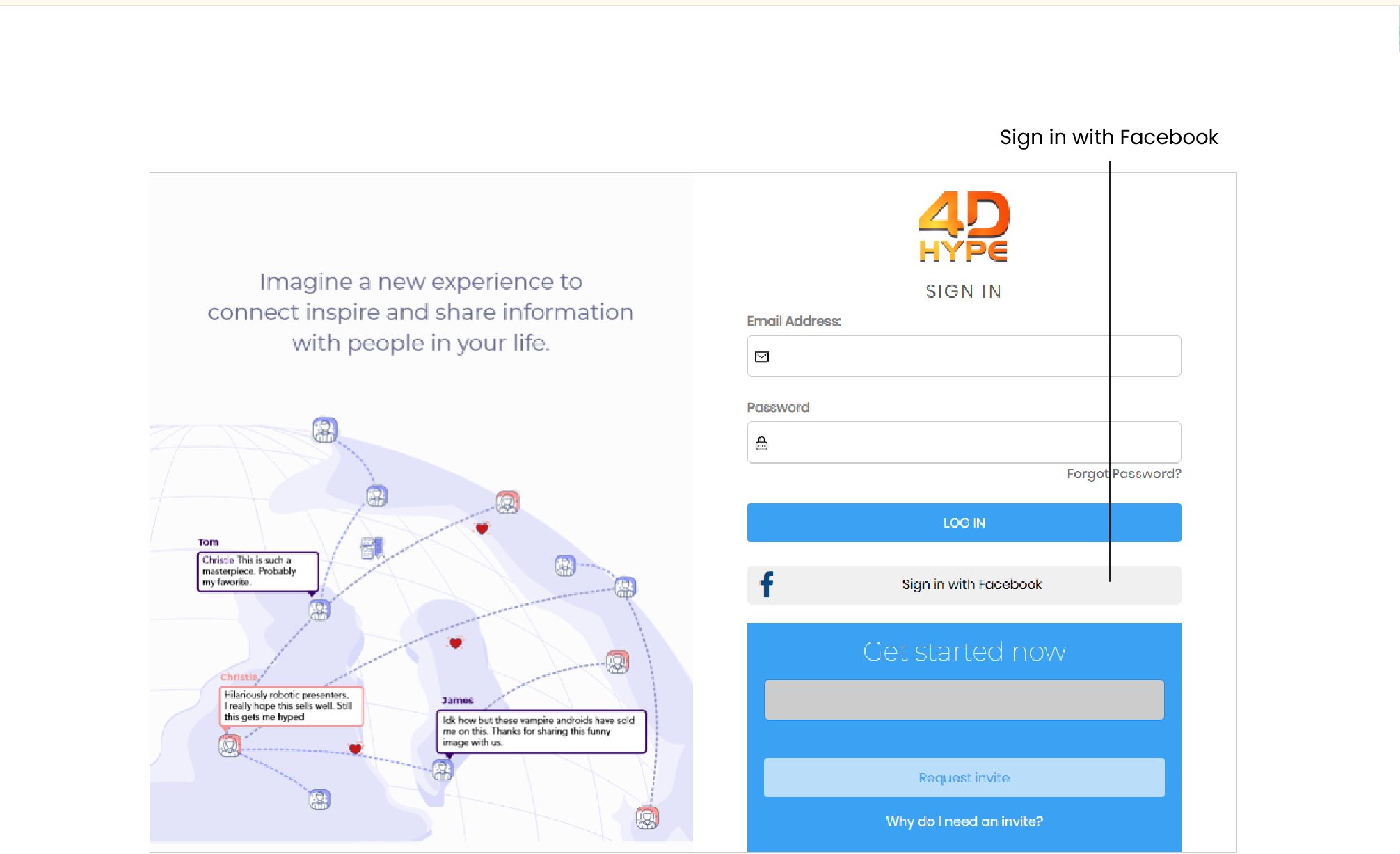
2. Find and click on Sign in with Facebook button.
3. You will be redirected to Facebook login page, you’ll be asked to provide the email address and password of the account you’re connecting to.
4. Upon completing registration you will then be automatically signed in.
Not quite what you're looking for?
Contact Us