
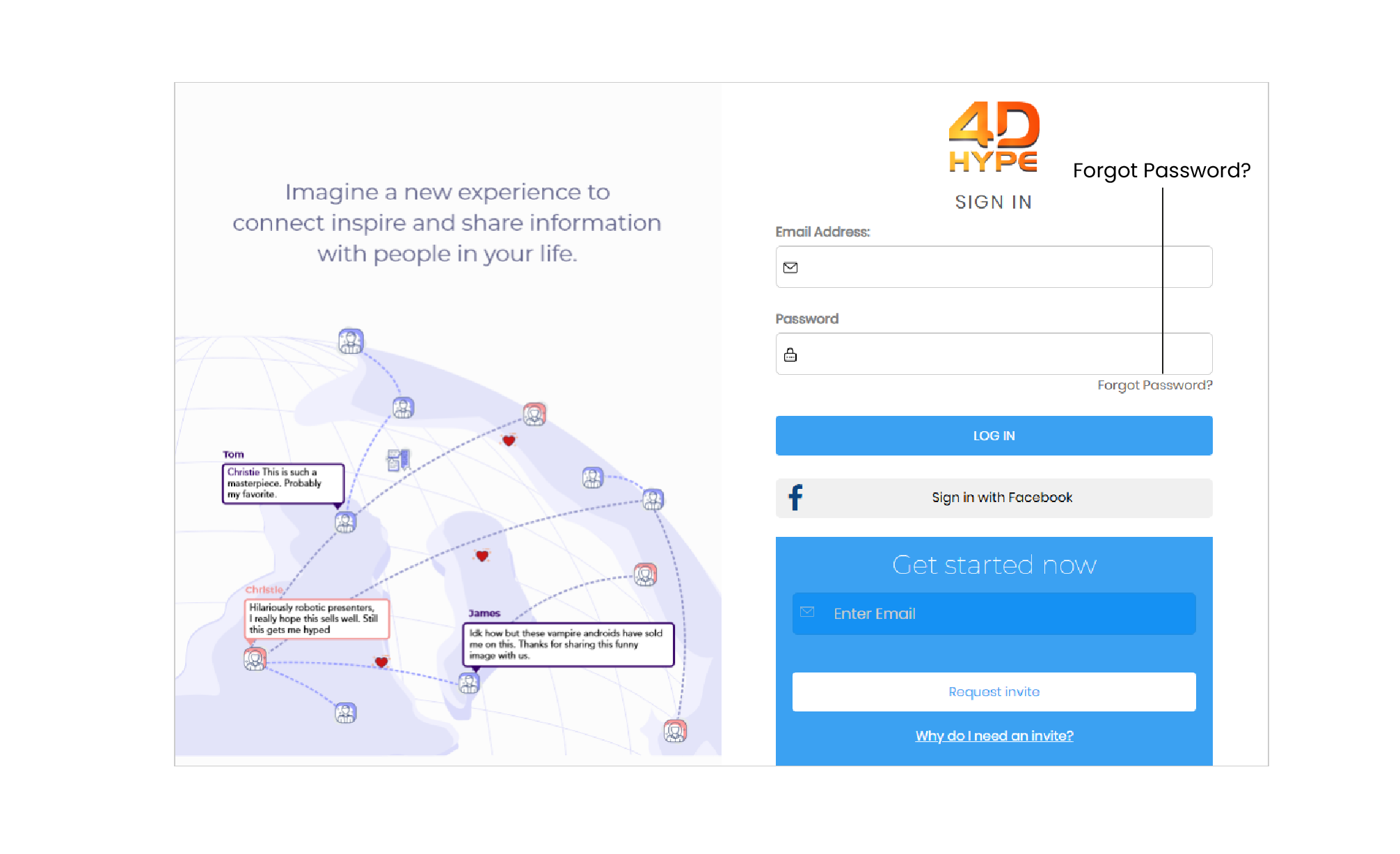
1. If you can't remember your password, you can use  link sent to your email address. Let's go over exactly how to do this.
2. From the homepage find and then click the link, this is just above the  button.
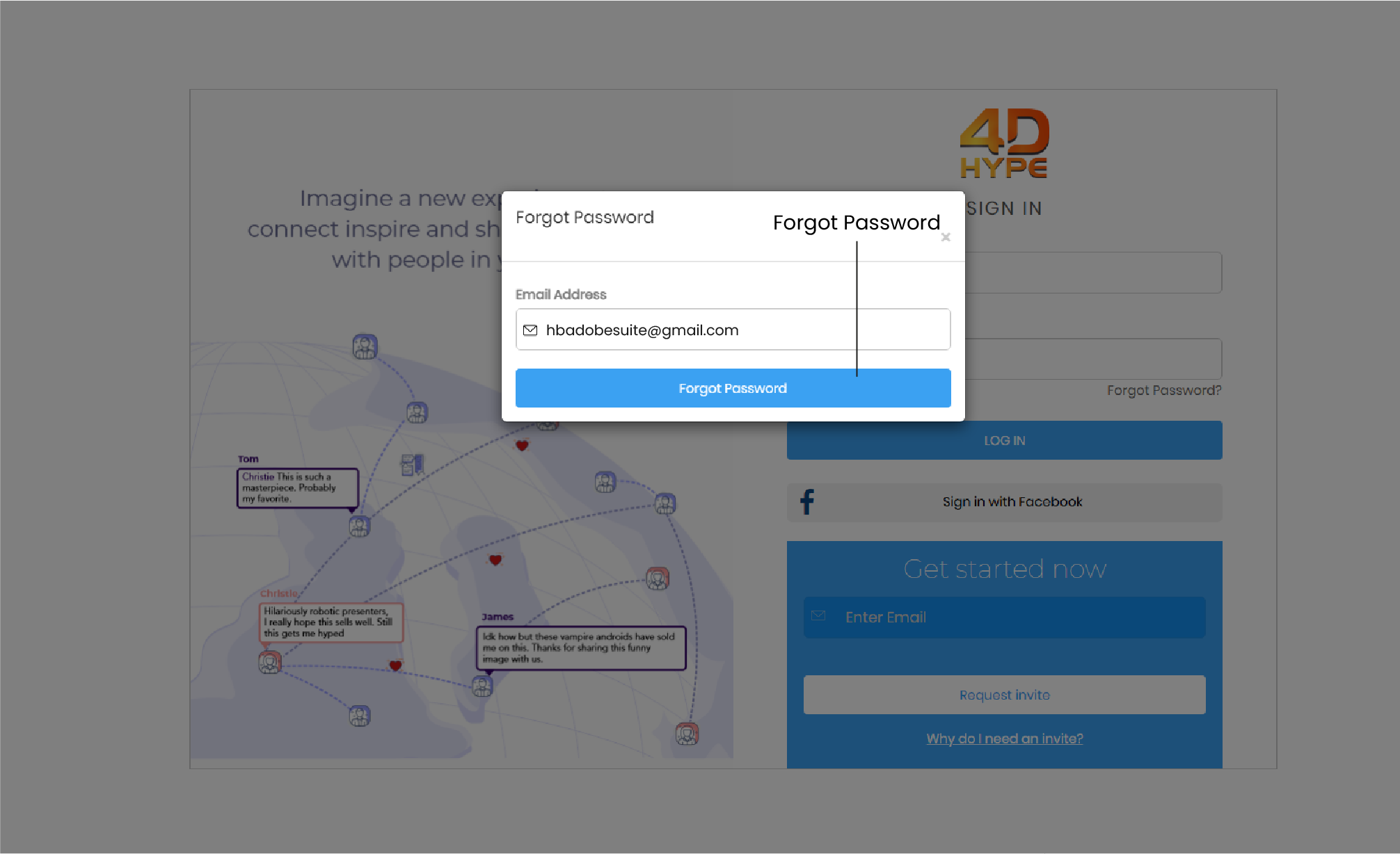
3. In the Forgot Password box displayed make sure to enter the email associated with your 4D Hype account then click on the  button! Remember to rest your password, you'll need to access the email associated with your account.
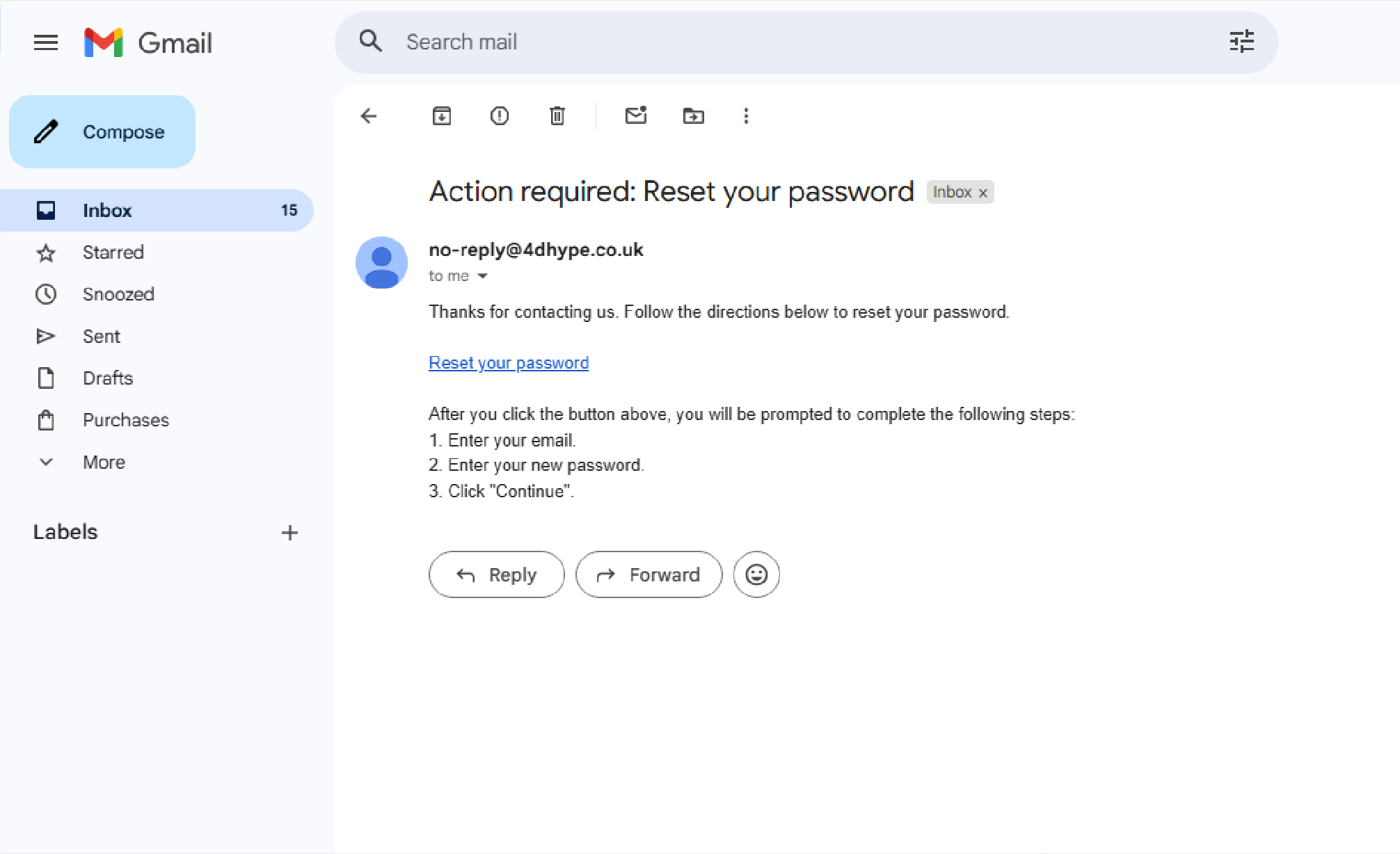
4. Check your email and follow the steps to reset password. Click on the  button when done.
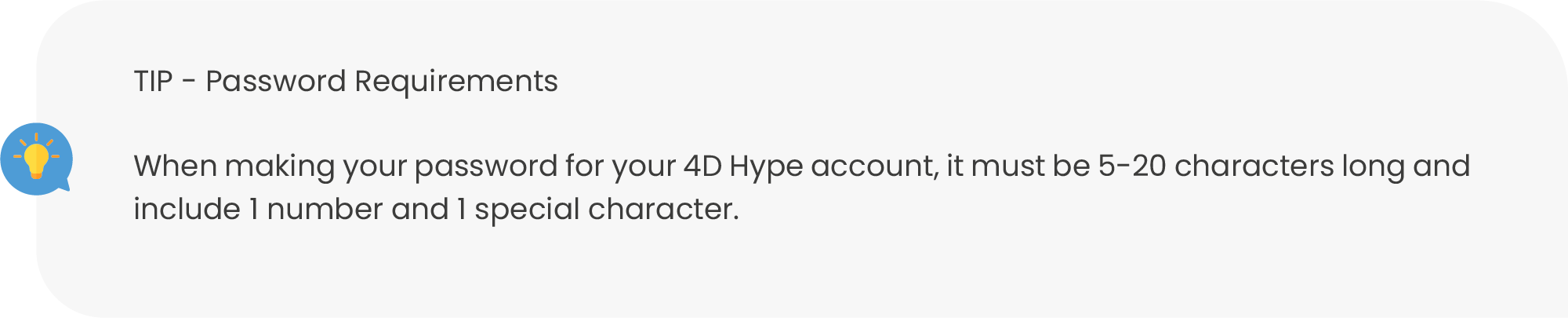
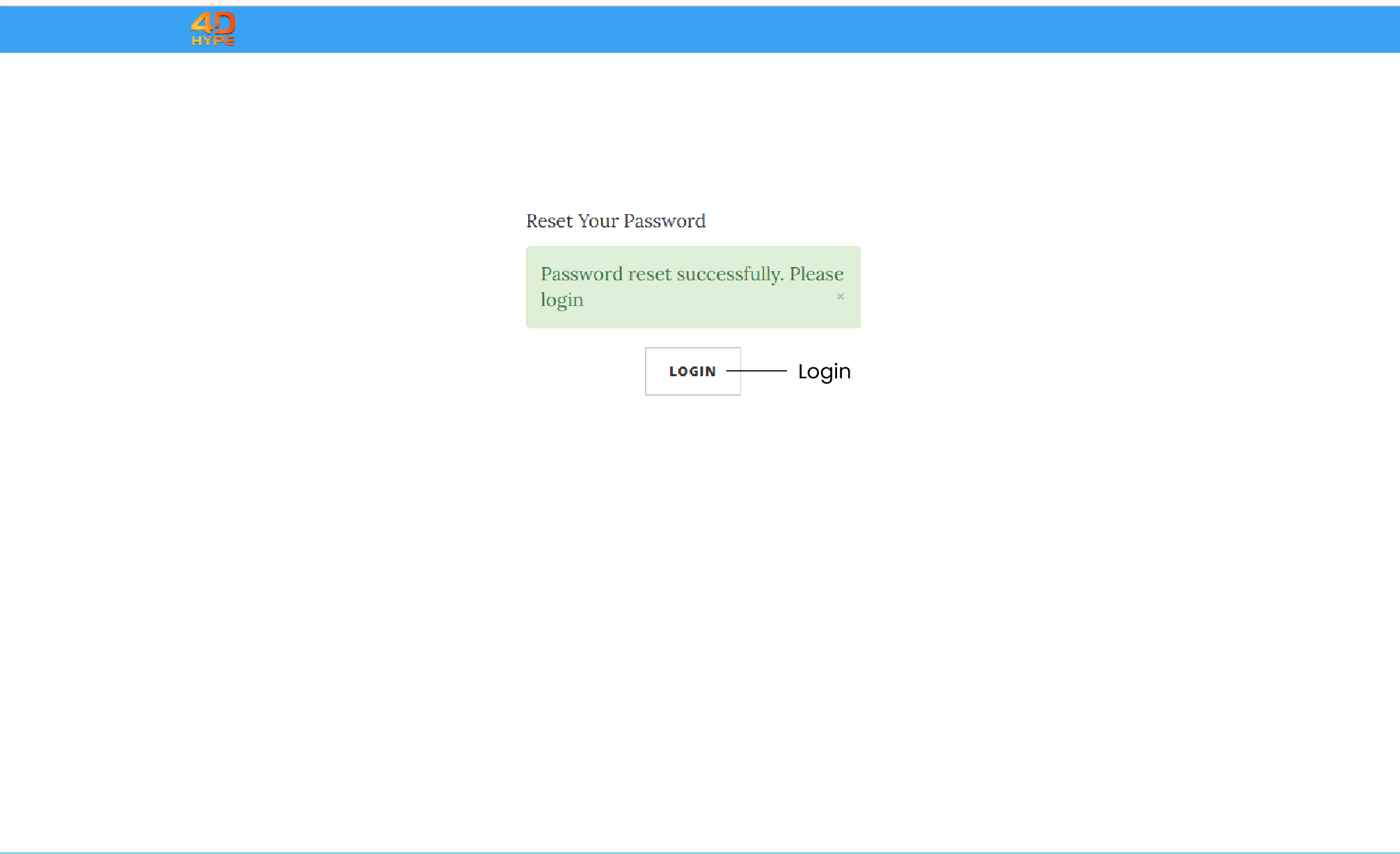
5. You'll receive a 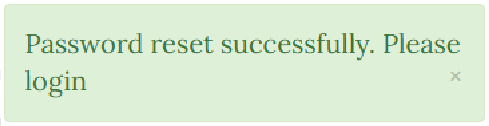 notification when your password is reset so please log in.
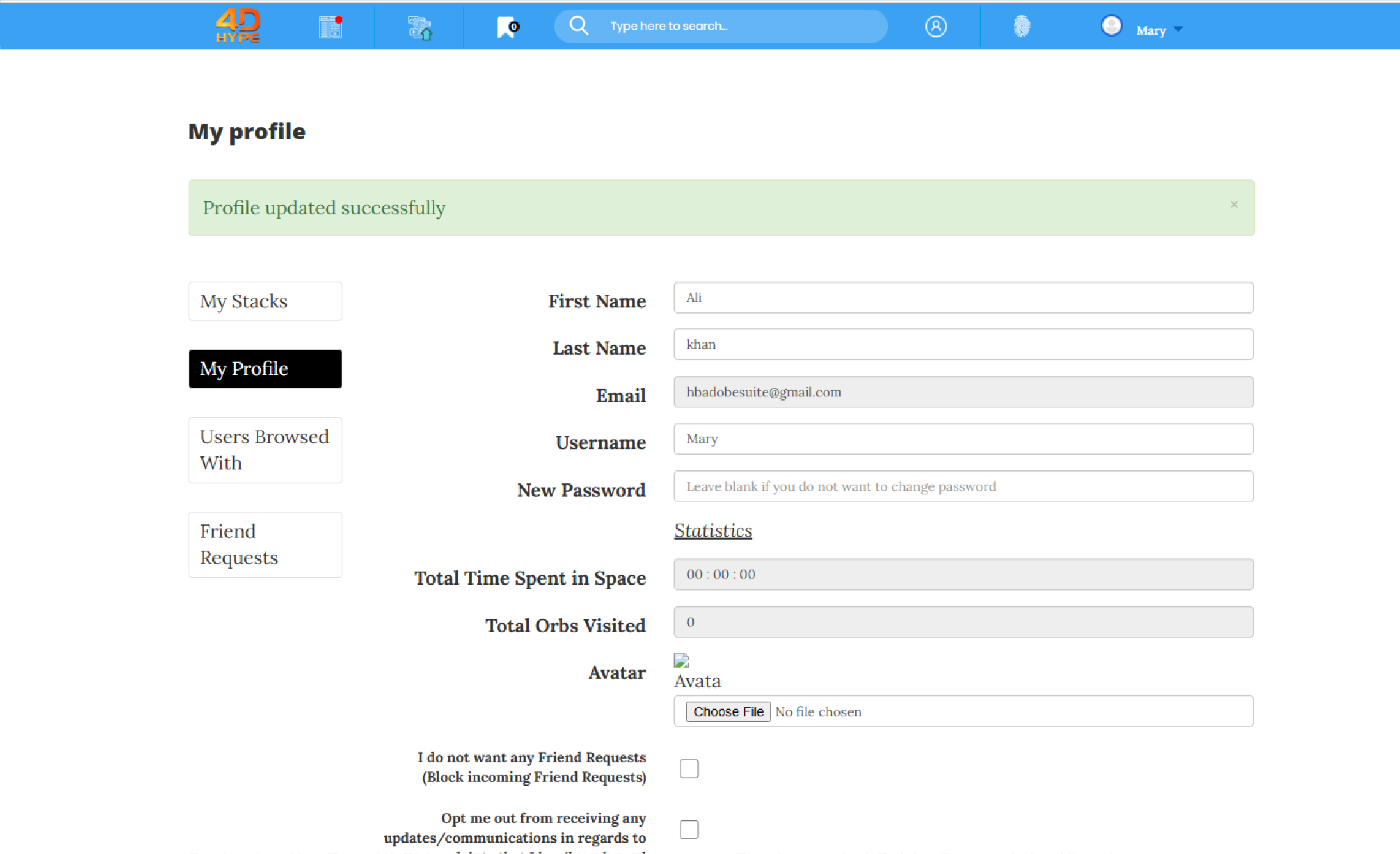
1. You can reset the password on your  page found under ‘My Account
 ’. Let's go over exactly how.
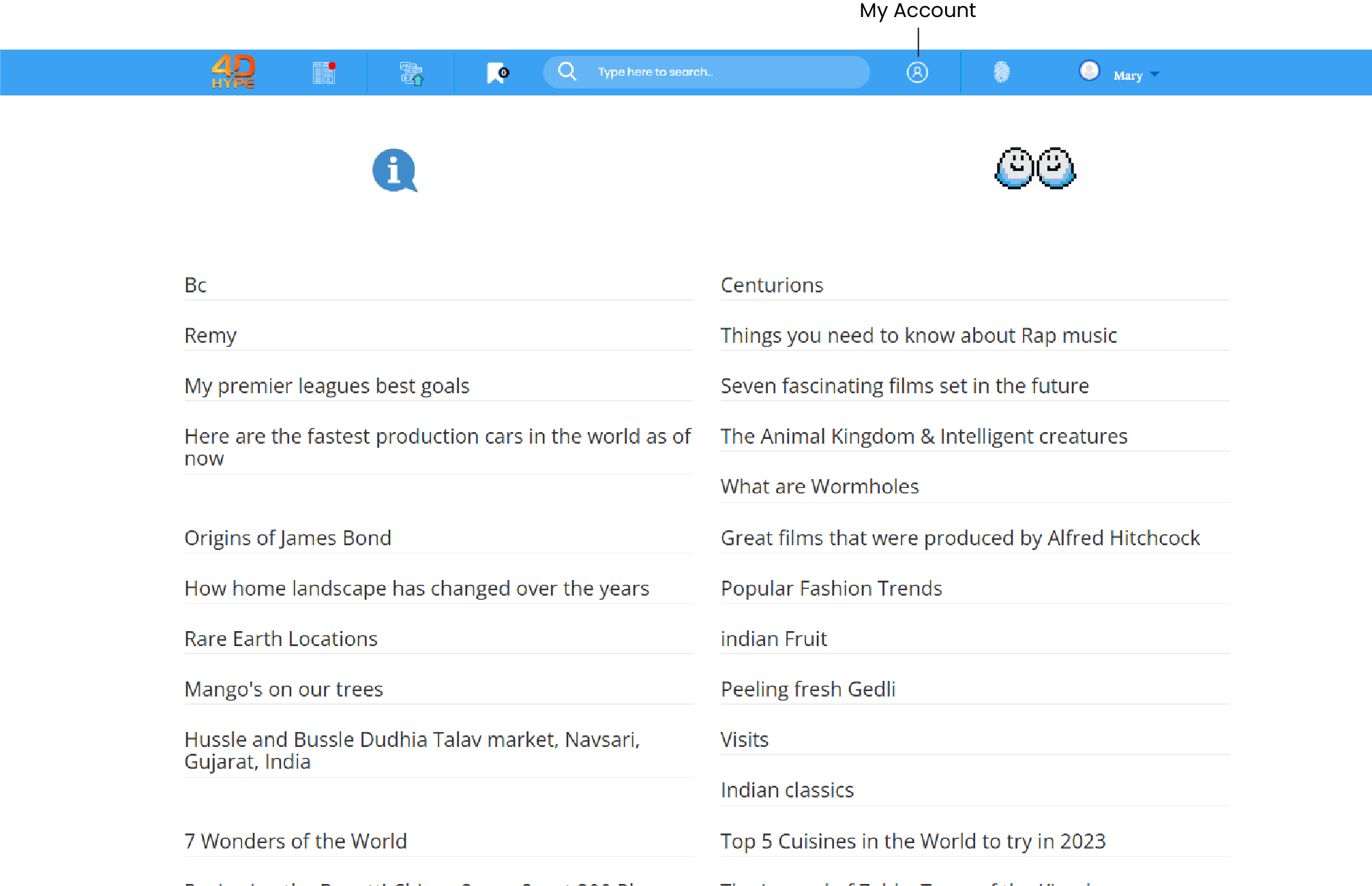
2. First head to the homepage, from the homepage find and then click the 'My Account ' button, this is found at the top side of the page in the top bar.
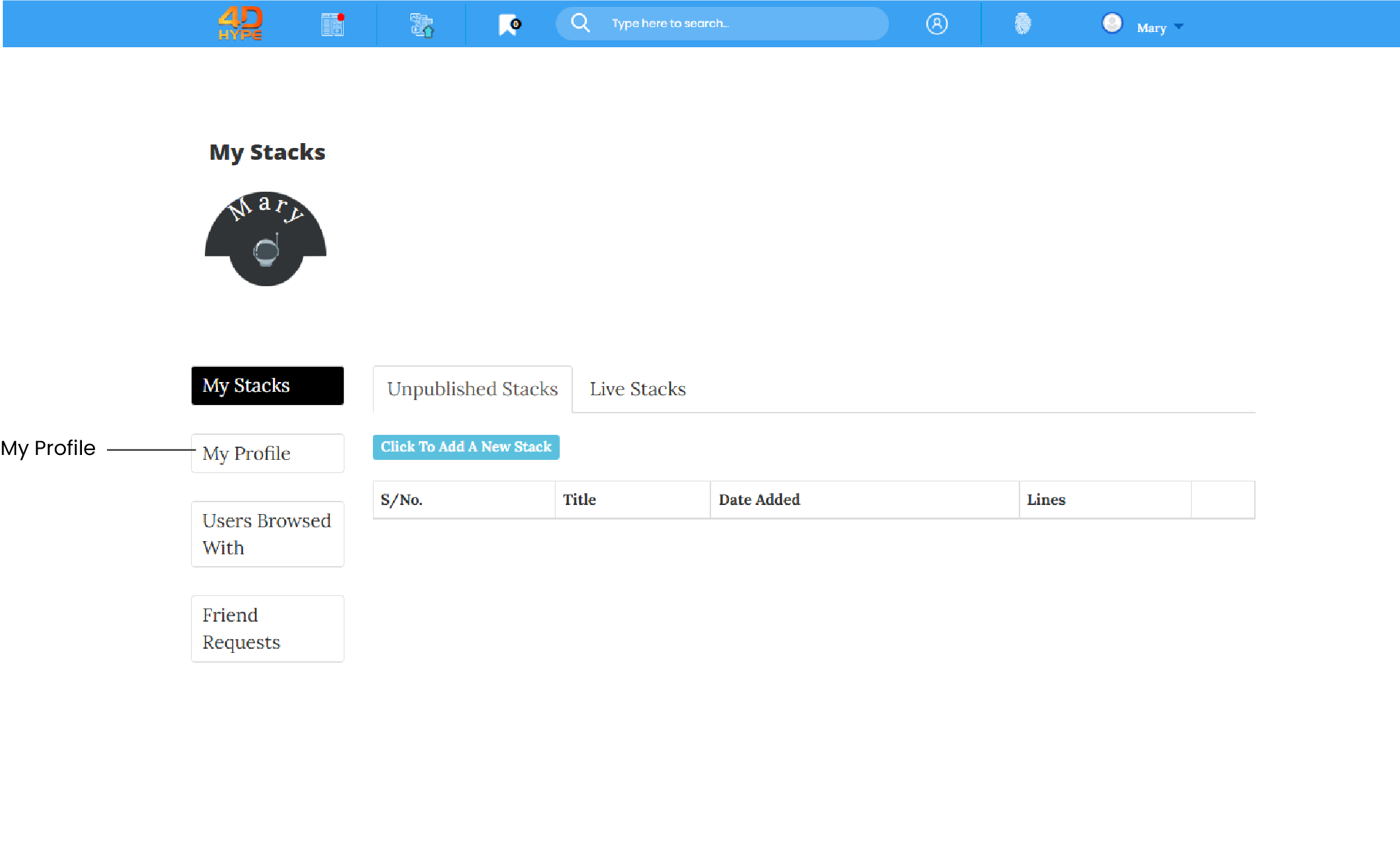
3. Then on left hand side, on the next page you should find and then click on the button.
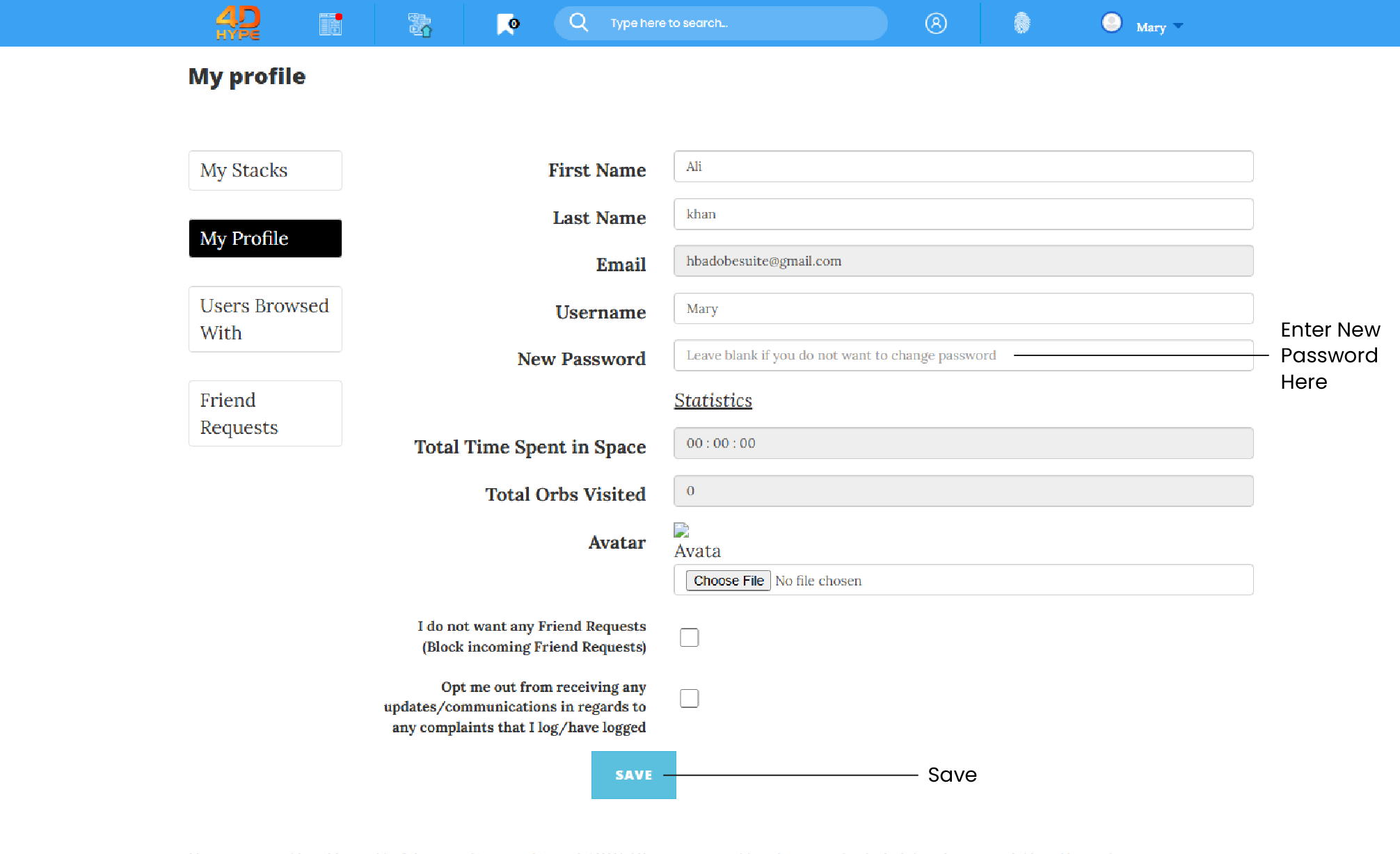
4. Now in the New Password field you can go ahead and enter your new password, referring to if you need to, the Password Requirements above. Once you are happy click on the  button and completion of the password reset process is confirmed and you will now receive and get the following confirmation message - ‘Profile updated successfully’ at the top of your profile page.
Not quite what you're looking for?
Contact Us