
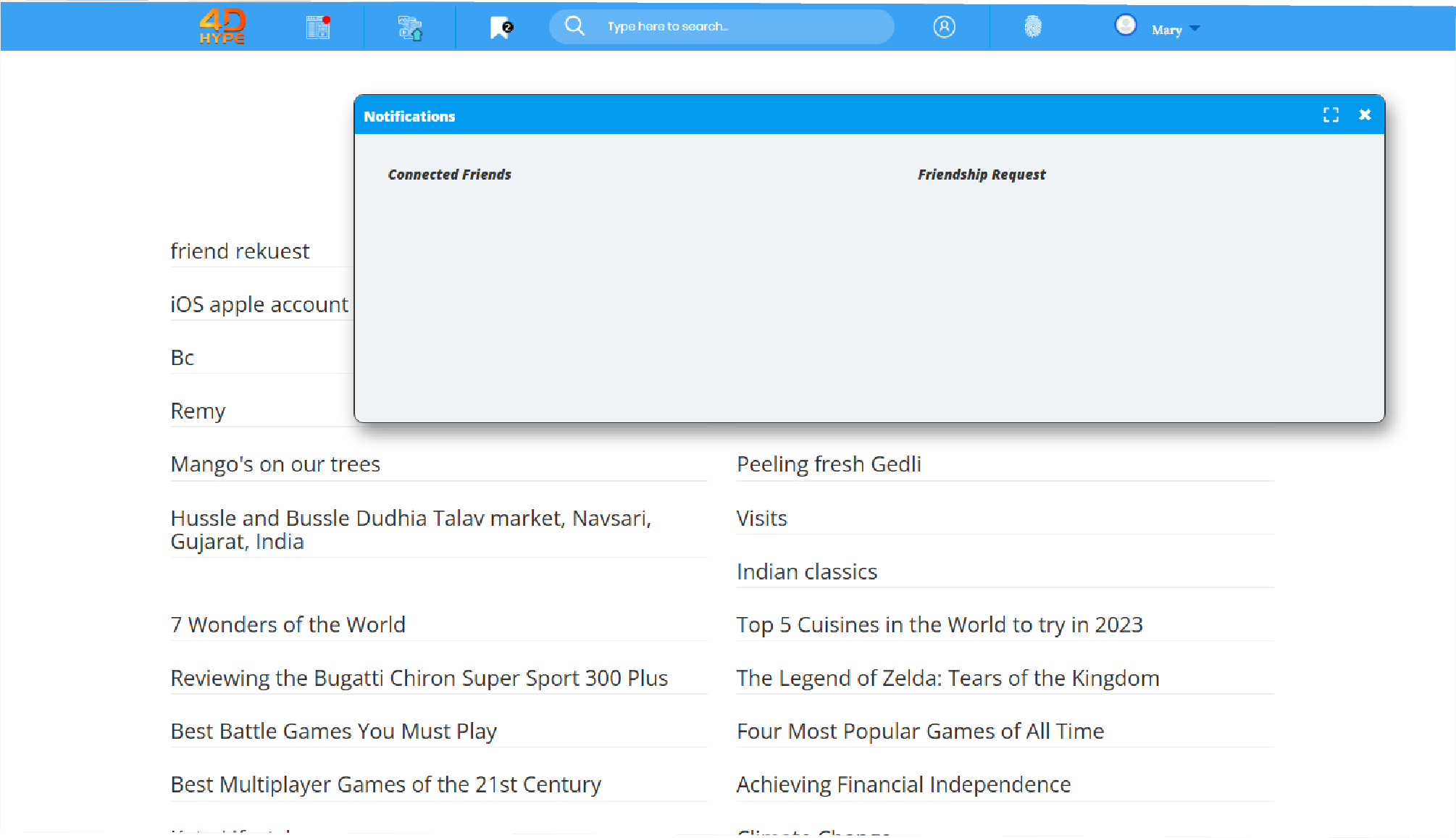
1. To check for any Friends Requests you can click either the ‘ ’ icon which will open a window where you can check this under the Friendship Request side or you can find and click the My Account
 icon and then click on the
 box.
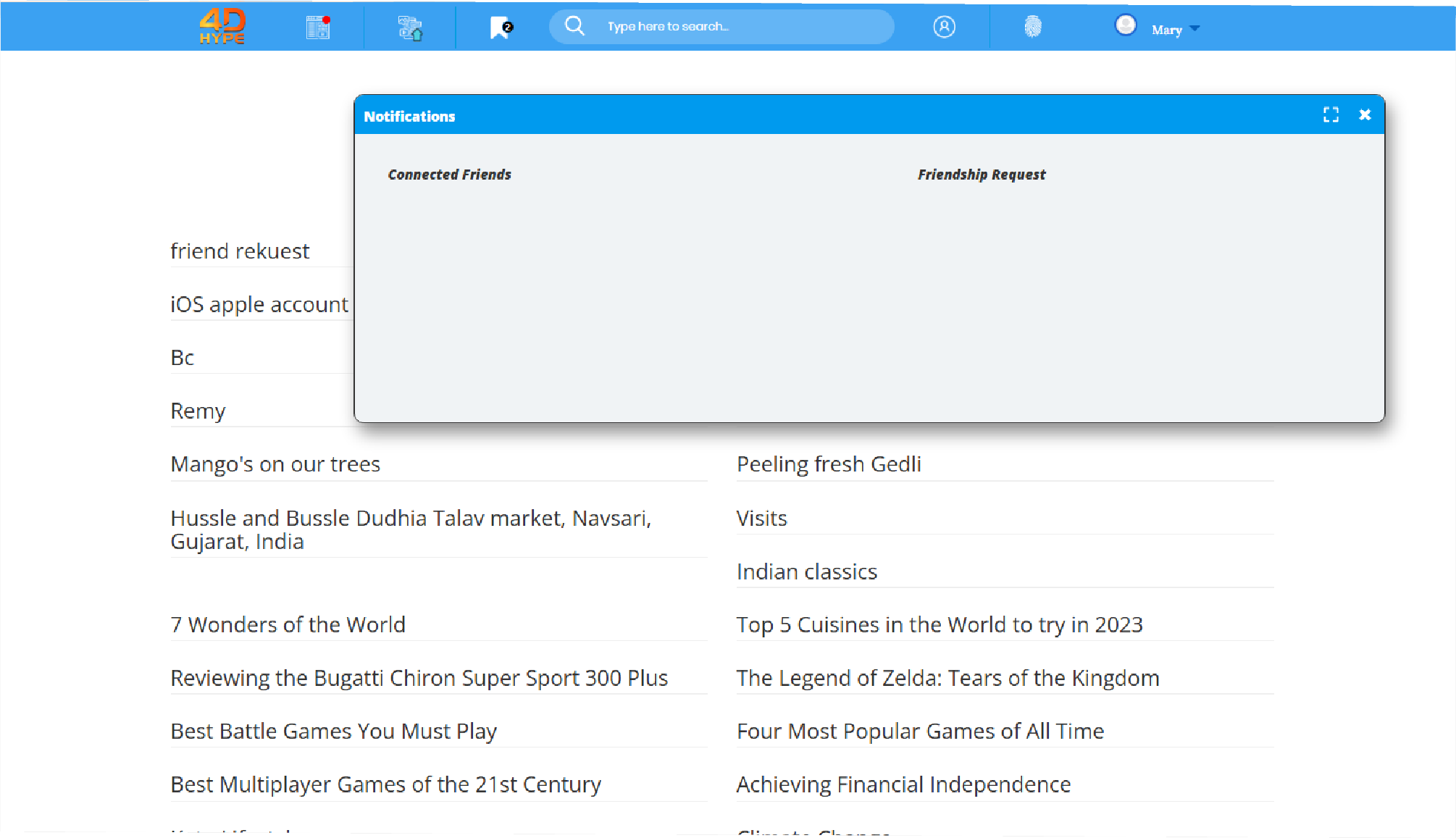
2. From your Friends Requests users list click on any of the usernames to view their information and profile details.
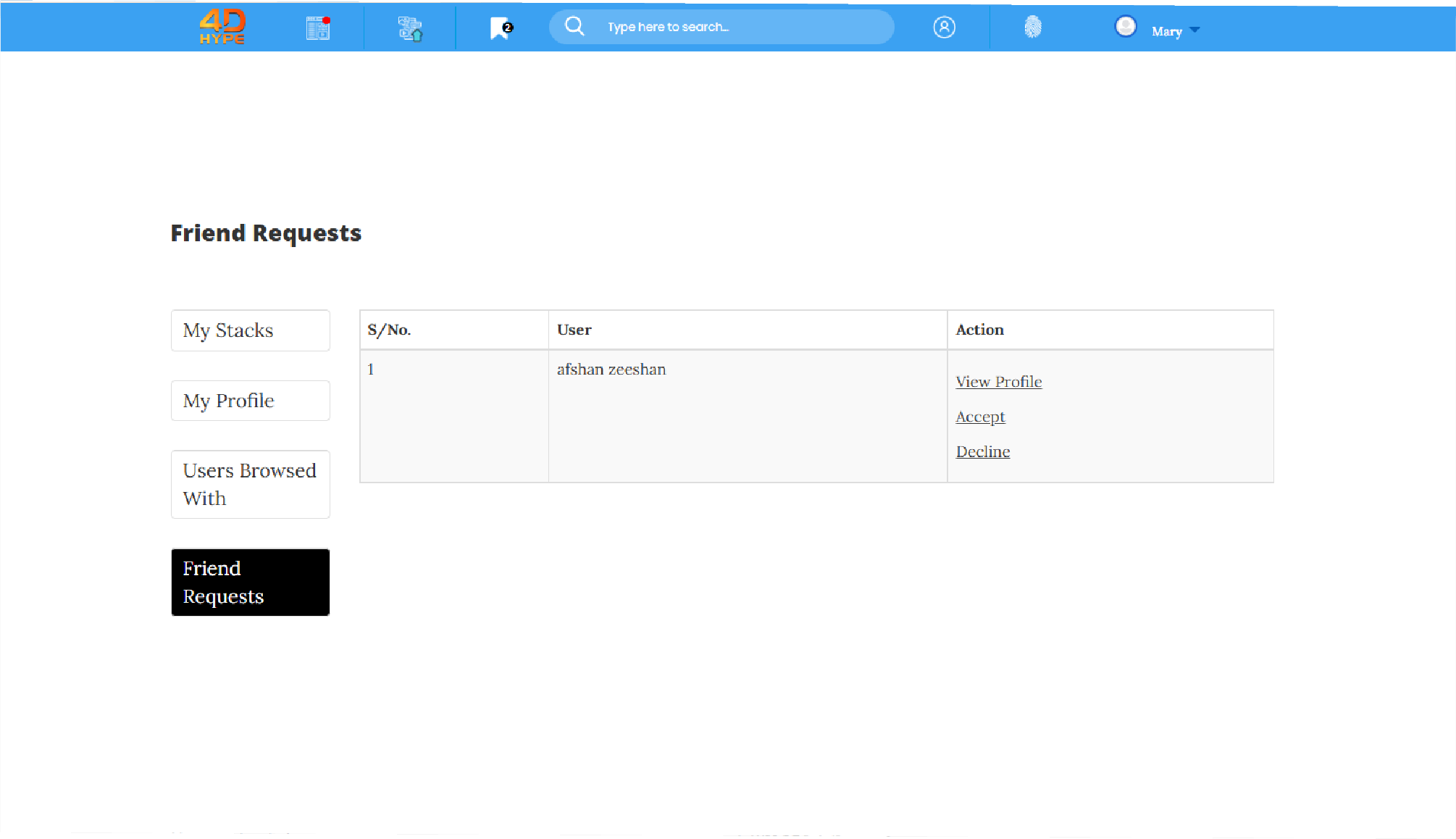
3. To accept a friend request click on the  link next to the username that you want to be friends with.
1. When your friends are online and to check which of your friends are online you can click the  icon which will open a window where you can check this under the Connected Friends side.
1. To check your Fiends List, from the homepage at the top click the  icon.
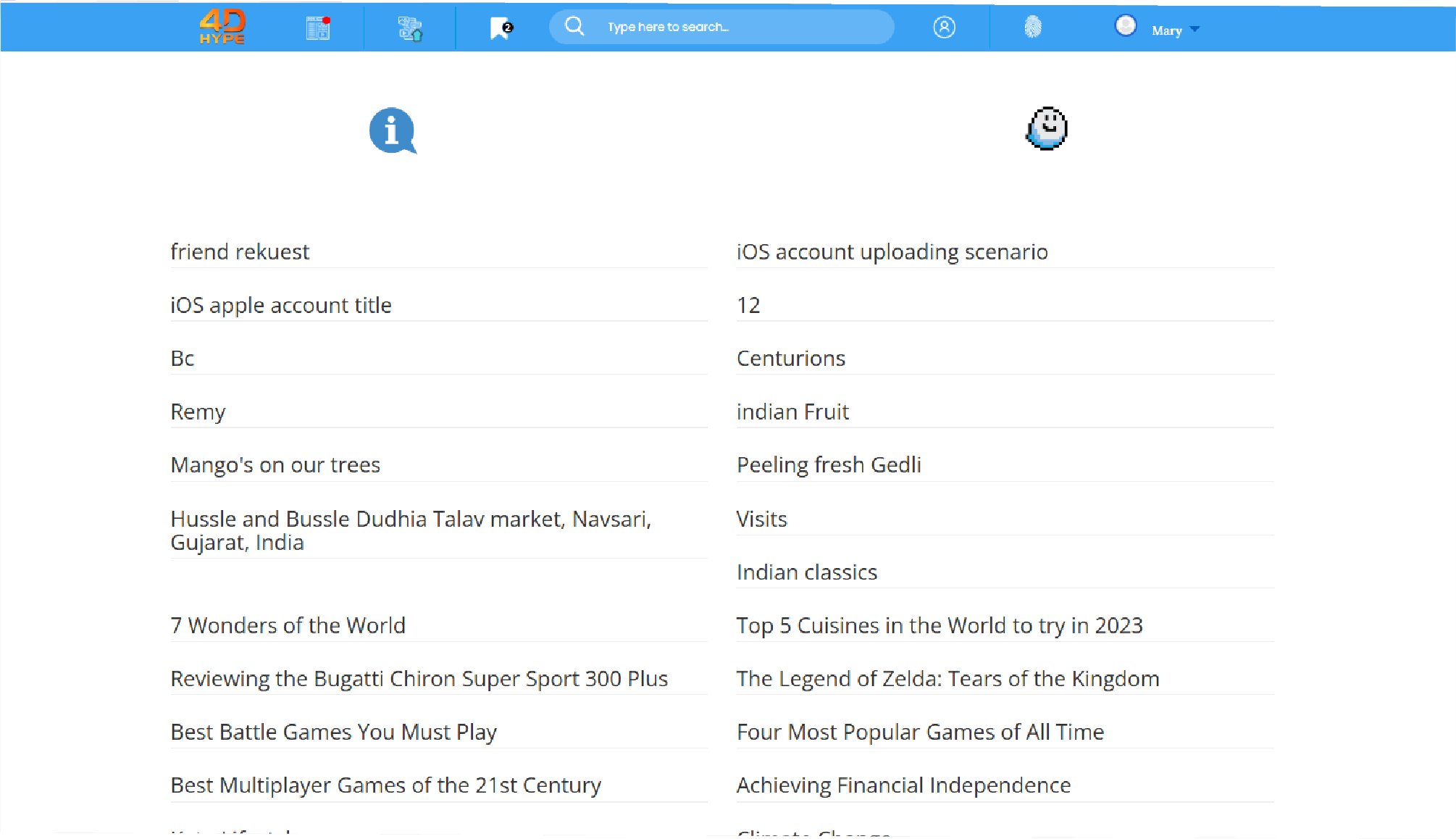
2. Then click on the username icon (this curved icon also has an image of a Hypernaut!)
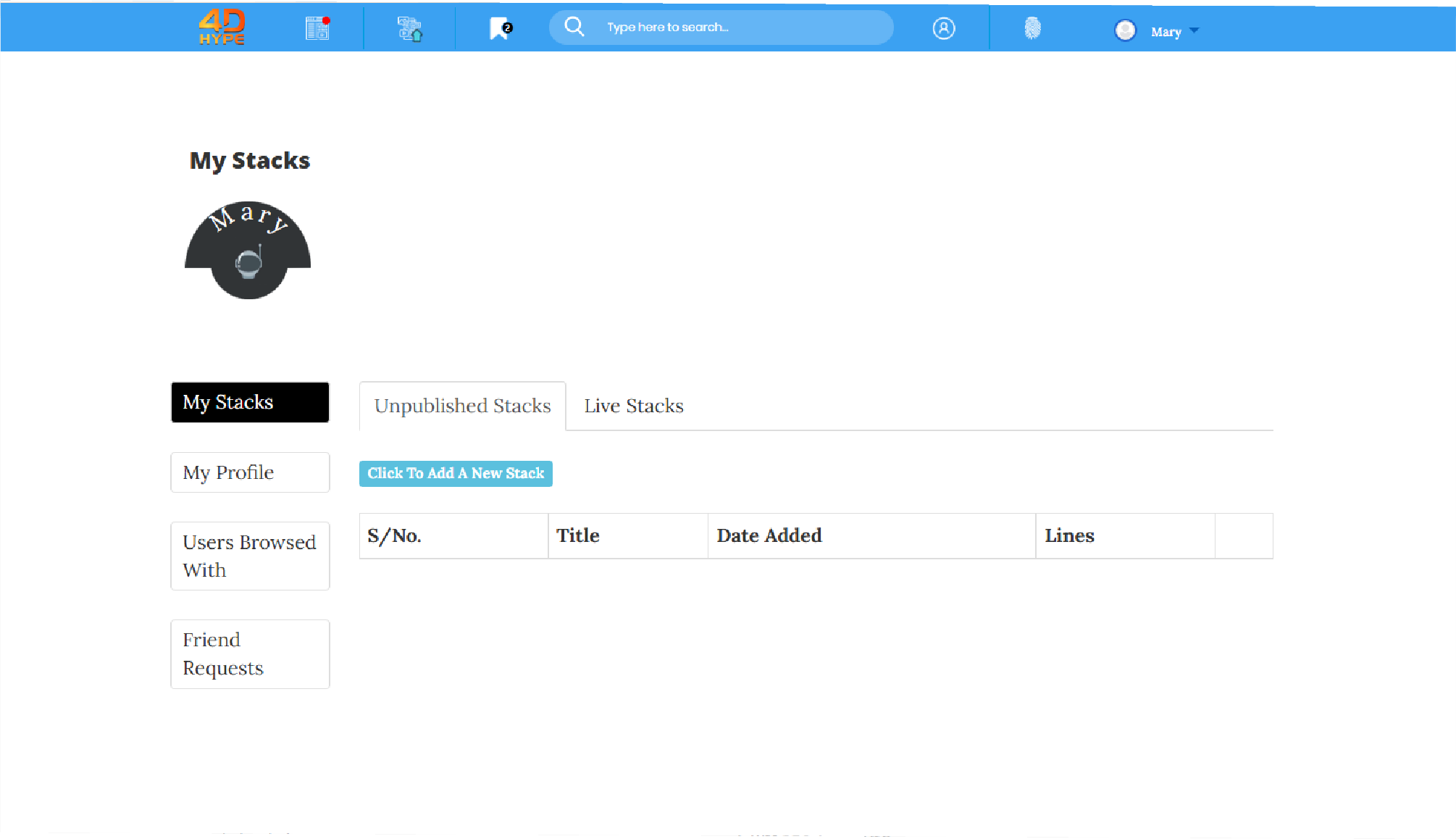
3. You will now be presented with a list of all your current added friends. Click into each friend to view their profile.
4. Also to remove friends from your Friends List, find the friend that you want to remove and click the  link.
Not quite what you're looking for?
Contact Us