
When browsing 4D Hype you may want to save a contribution to your account, this may be for a number of reasons for example you really enjoyed the contribution and wanted to re-experience it at a later date, or you are building a car engine and and want to come back to recall the information as and when you are embarking on this, etc Whatever reason you have you can add any contributions to your My Recalls page to recall at another time.
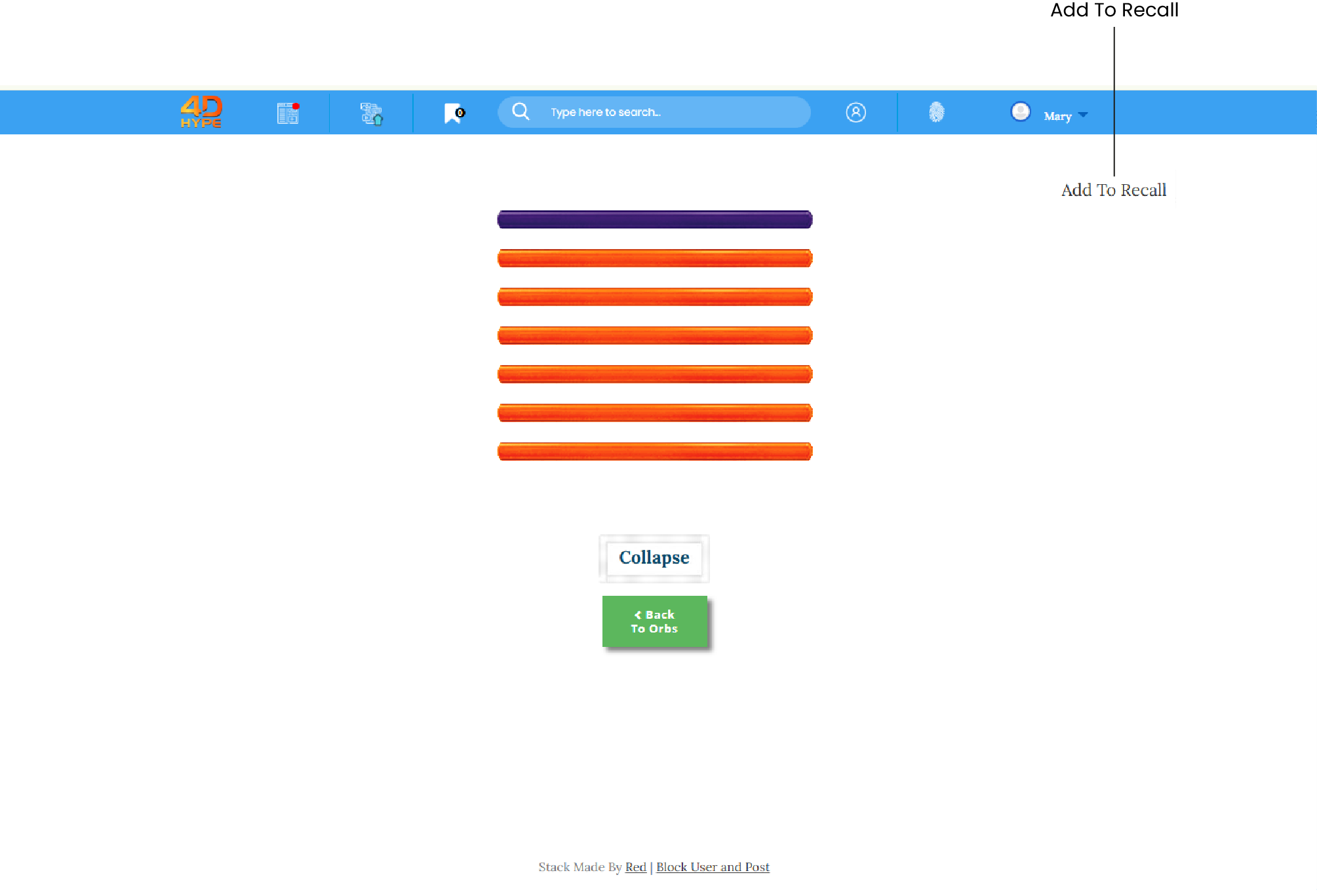
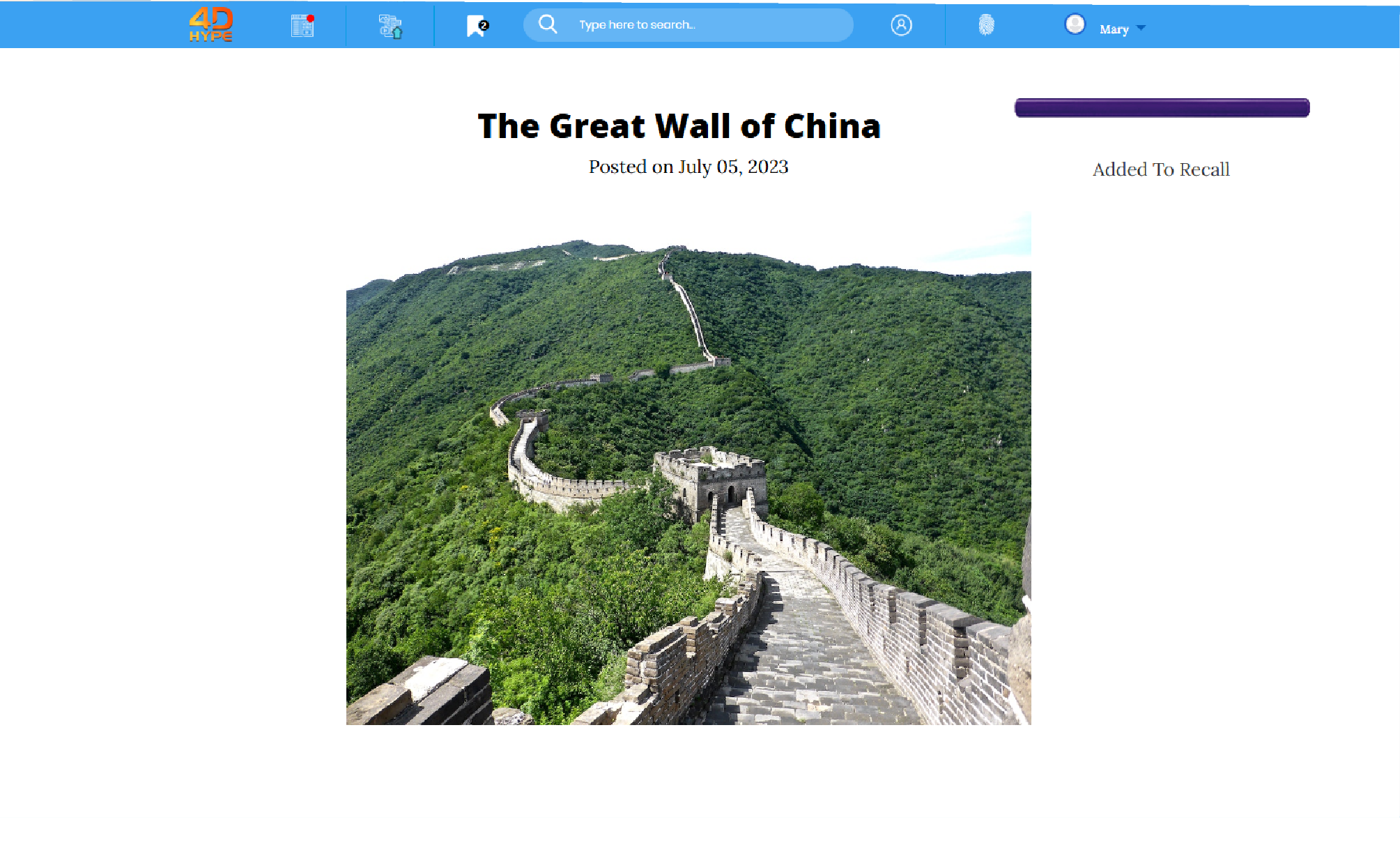
1. From any Post page find and click the  link.
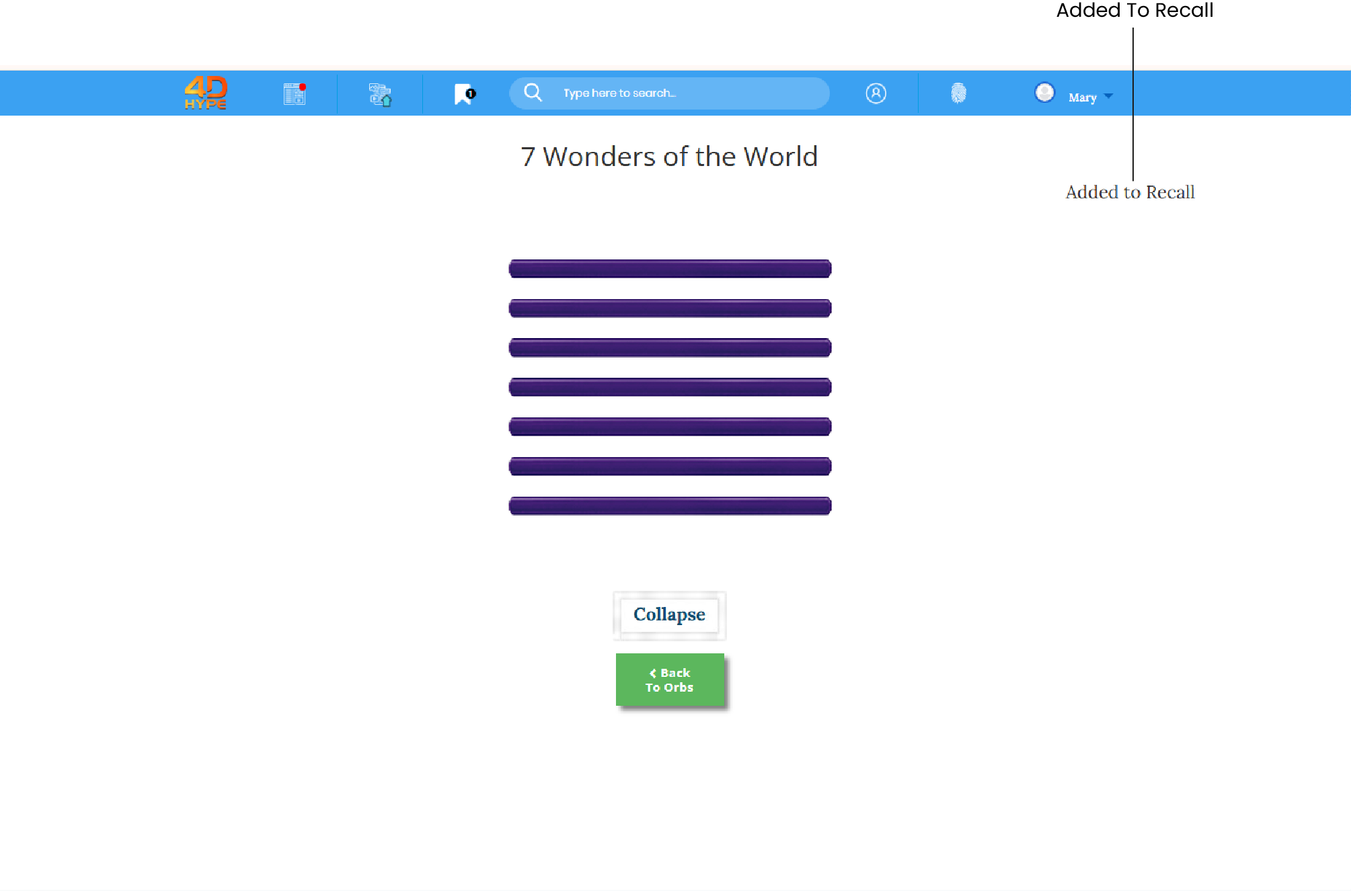
2. To let you know that the Post has been added to your recalls the link will be displayed as 
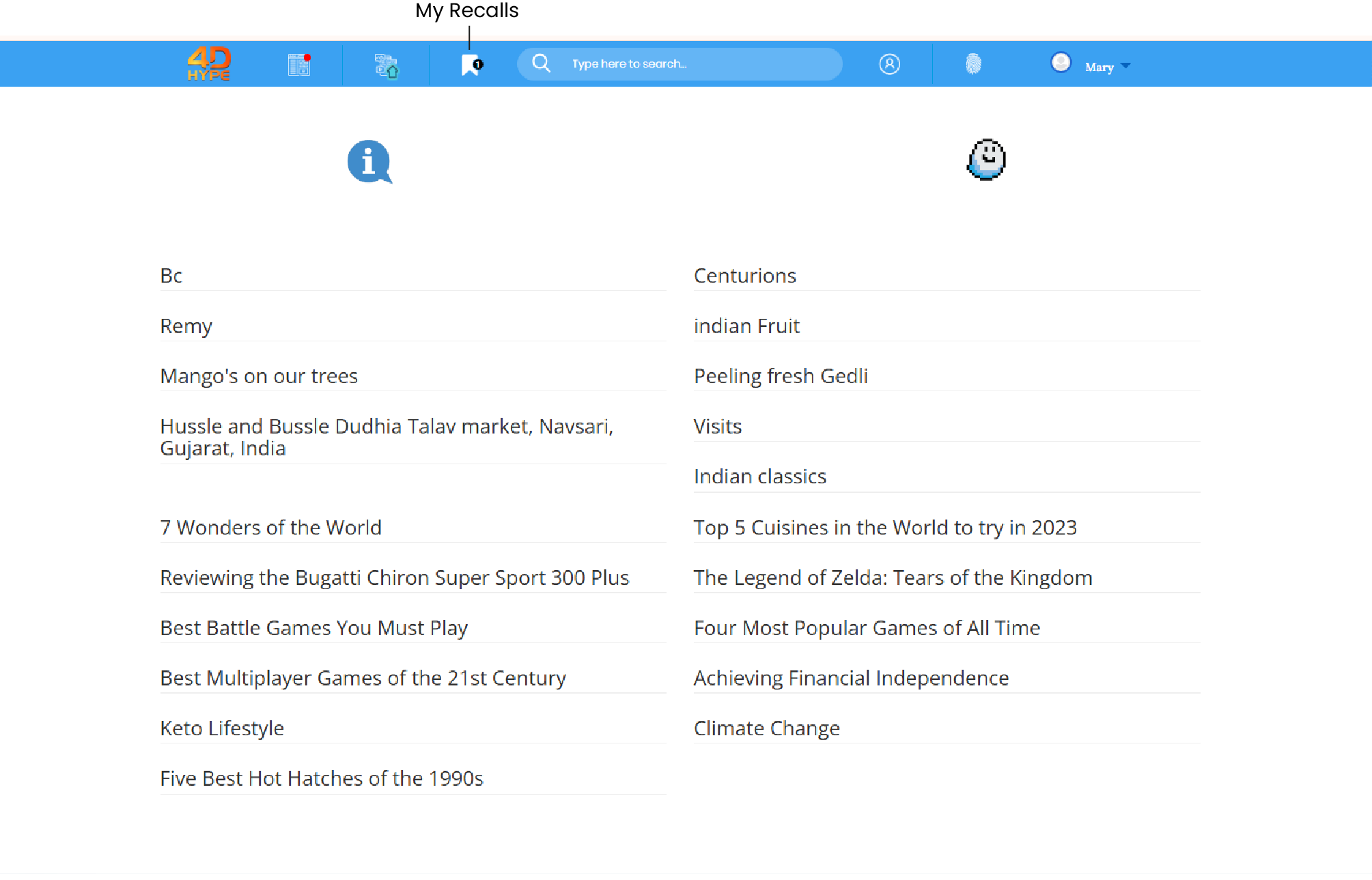
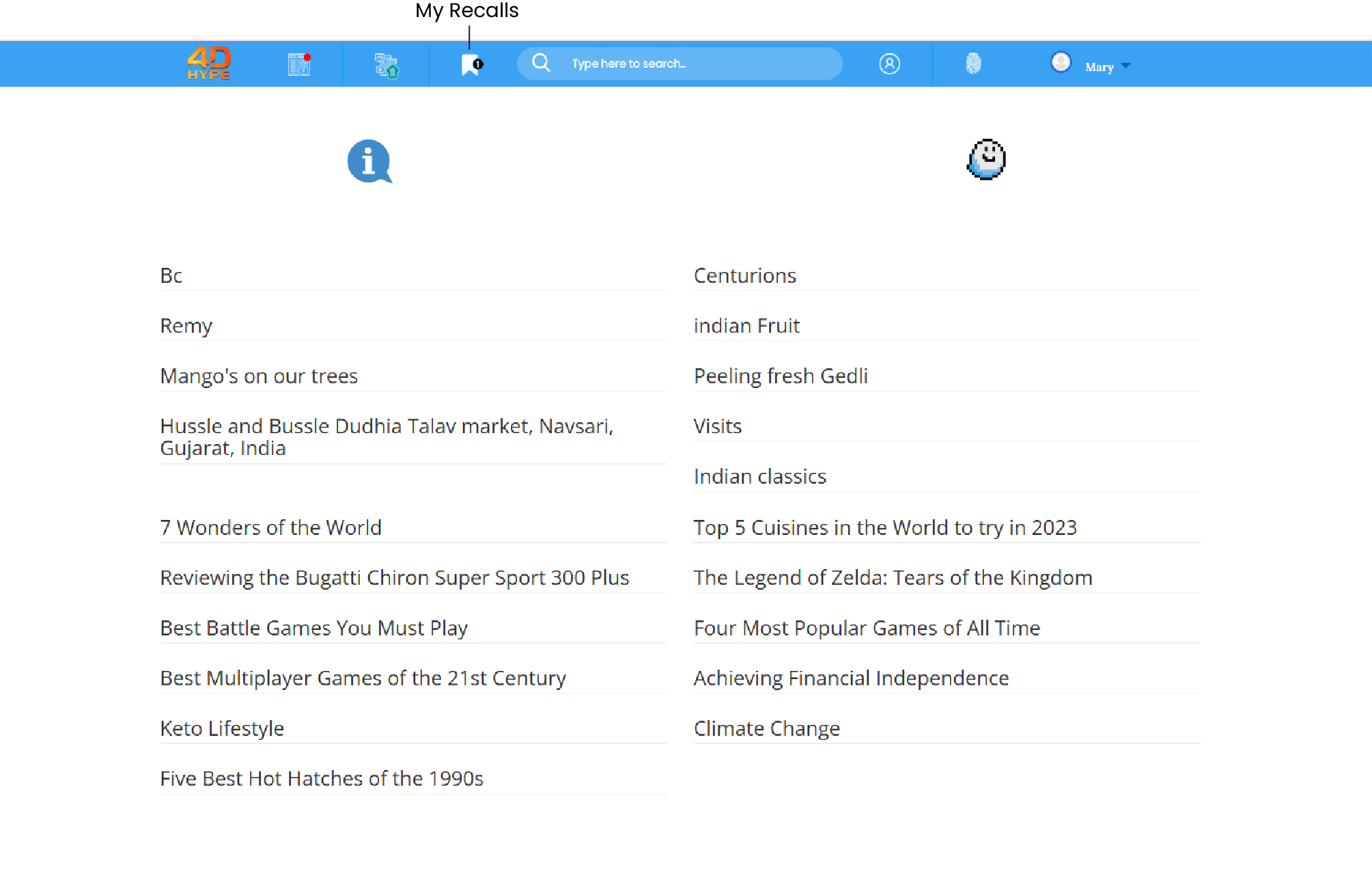
1. First head to the 'My Recalls  ' page, so from the homepage find and then click the 'My Recalls
 ' button.You will be presented with a list of all your past recalls.
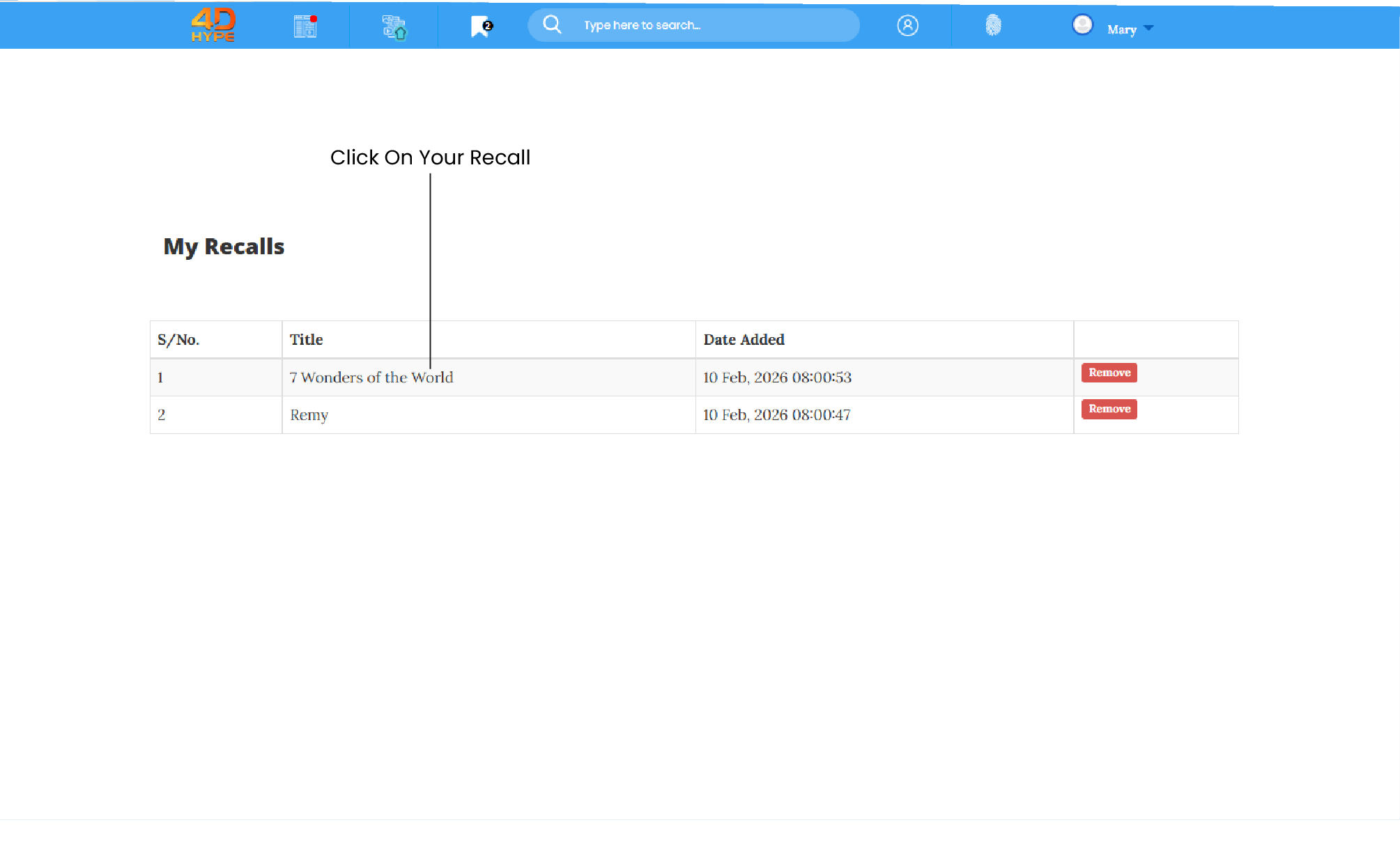
2. Now search the My Recalls list to find the recall and click the title in the Title column to view.
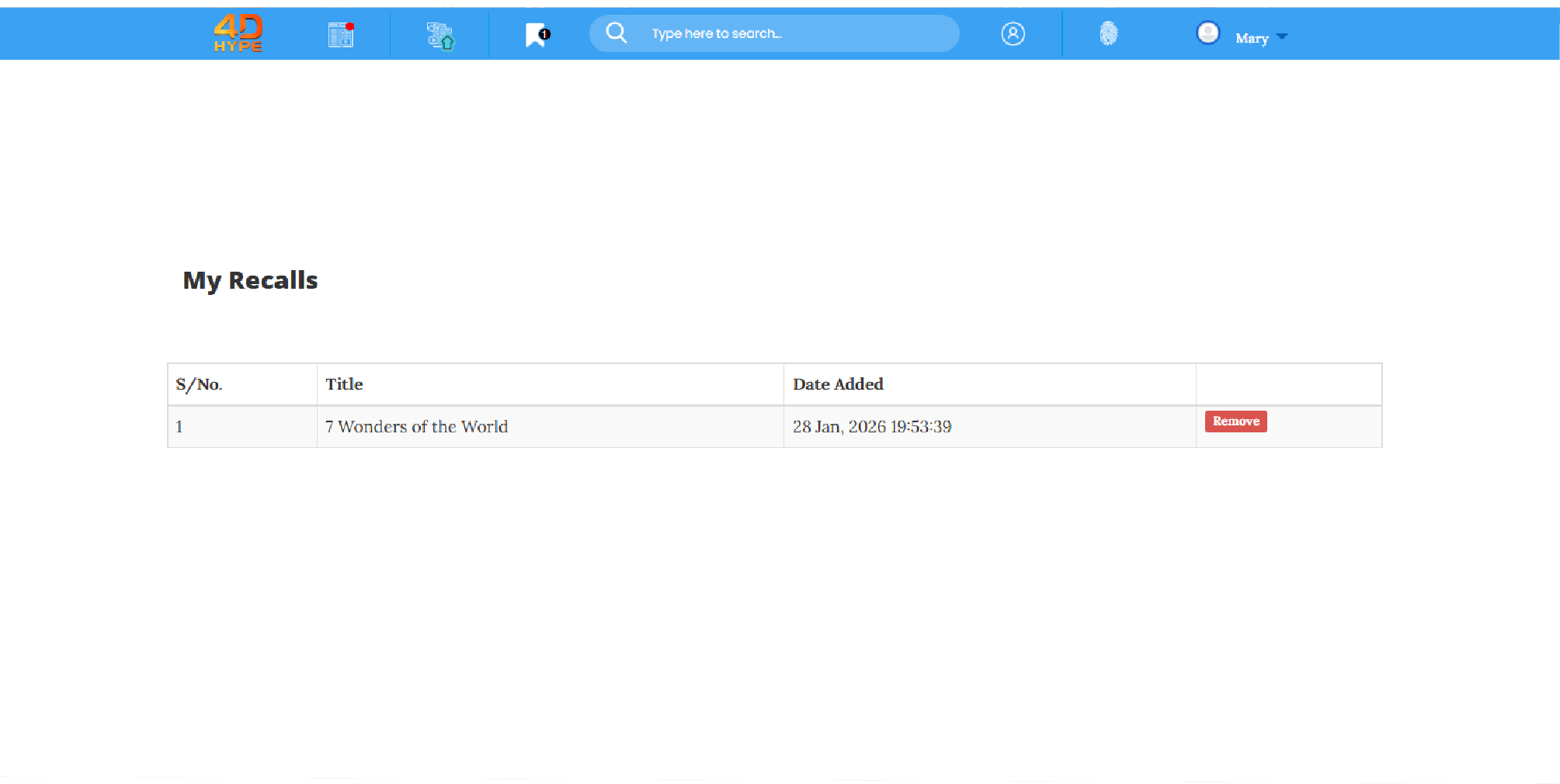
1. First head to the 'My Recalls  ‘ pages, so from the homepage find and then click the ’My Recalls
 ' button. You will be presented with a list of all your past recalls.
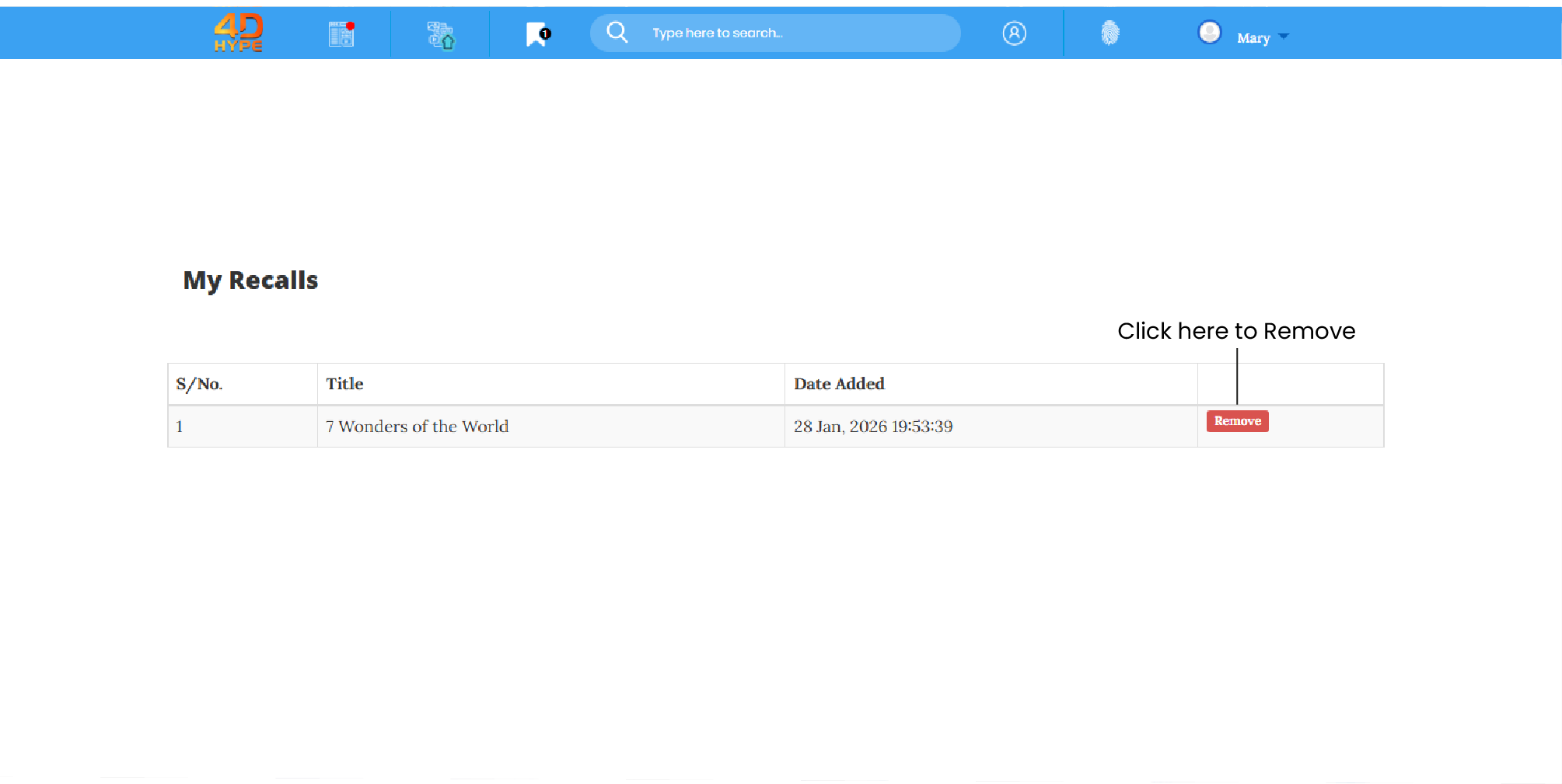
2. Now search the My Recalls list to find the recall and click the Remove button, this can be located to the right hand side of recall now.
3. And click the  button to remove the recall from your My Recalls list.
Not quite what you're looking for?
Contact Us