
Mute is a feature that allows you to hide an account's posts and Orb chat messages from your account without blocking that account. Muted accounts will not know that you've muted them and you can unmute them at any time.
Block is a feature that allows you to block an account; this means all Posts, Orb chat messages are removed from your account and vice versa for the blocked account. This also means that all other activity incl. Making contact and Profile page interactions are also prohibited from the banned account to your account and vice versa from your account to the banned account. Blocked accounts will not know that you've muted them and you can unblock them at any time.
1. From a Stack/Post page scroll to the bottom and click on the username, this is preceded by the text - 
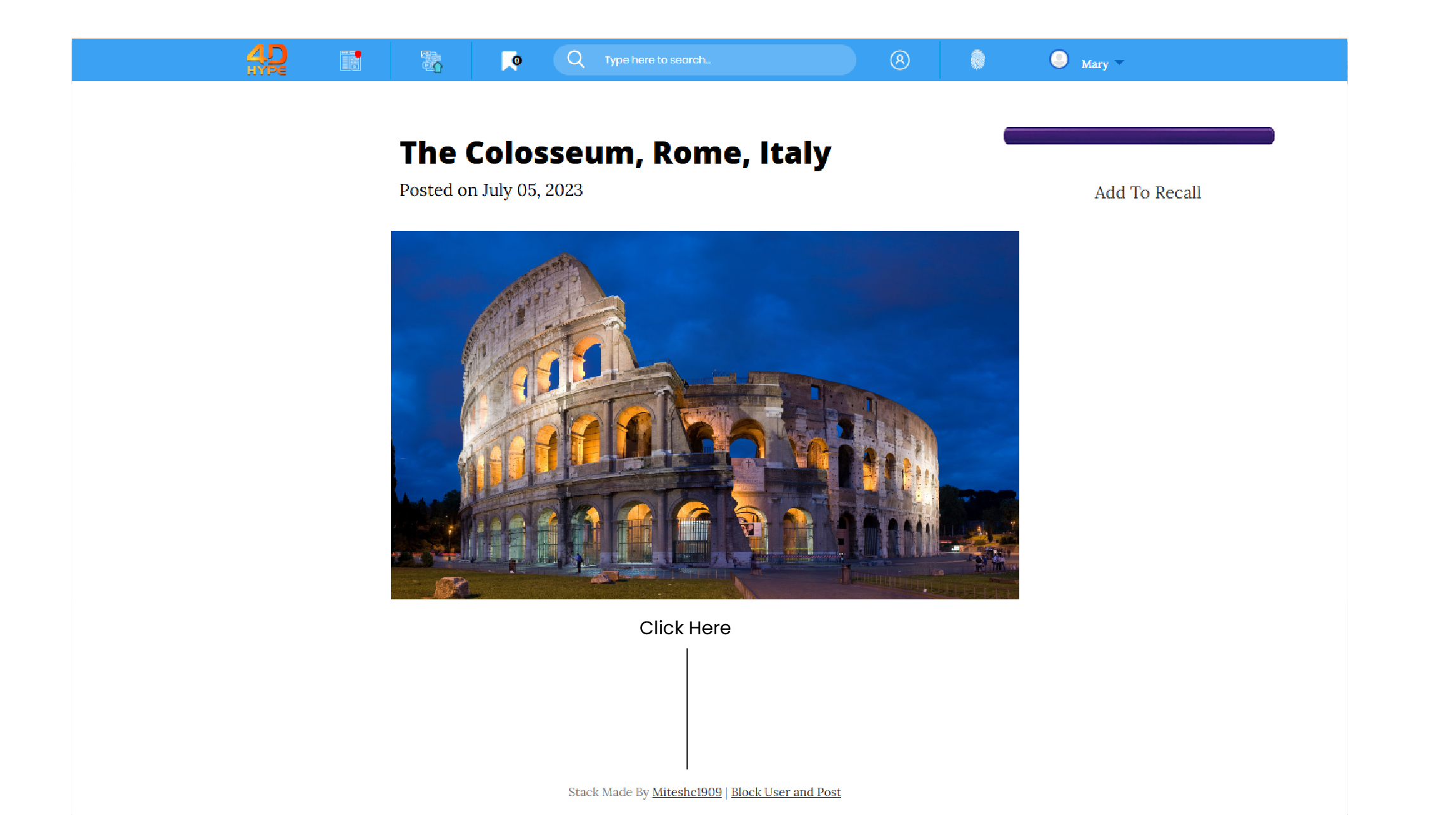
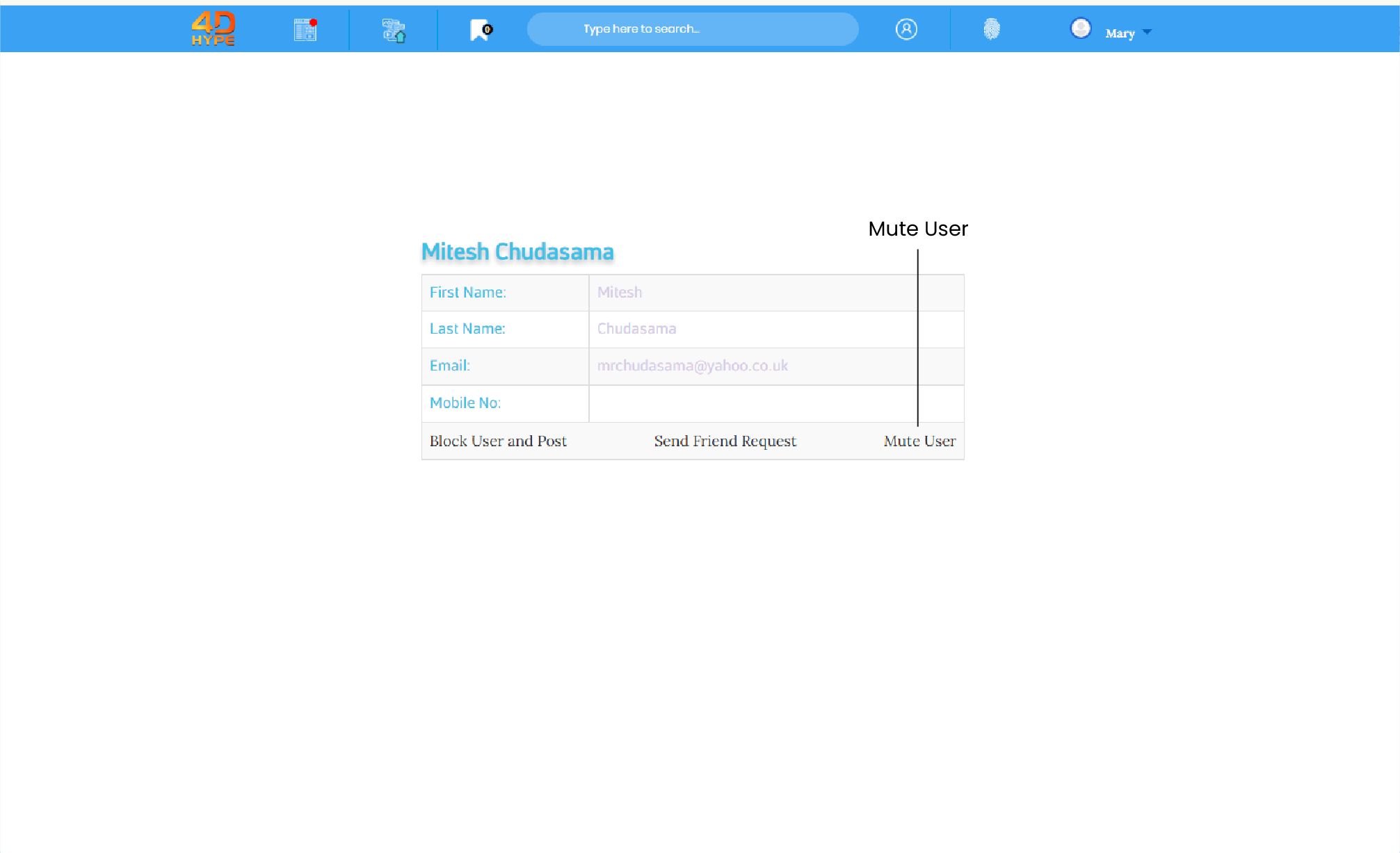
2. When on the users profile page click on  link.
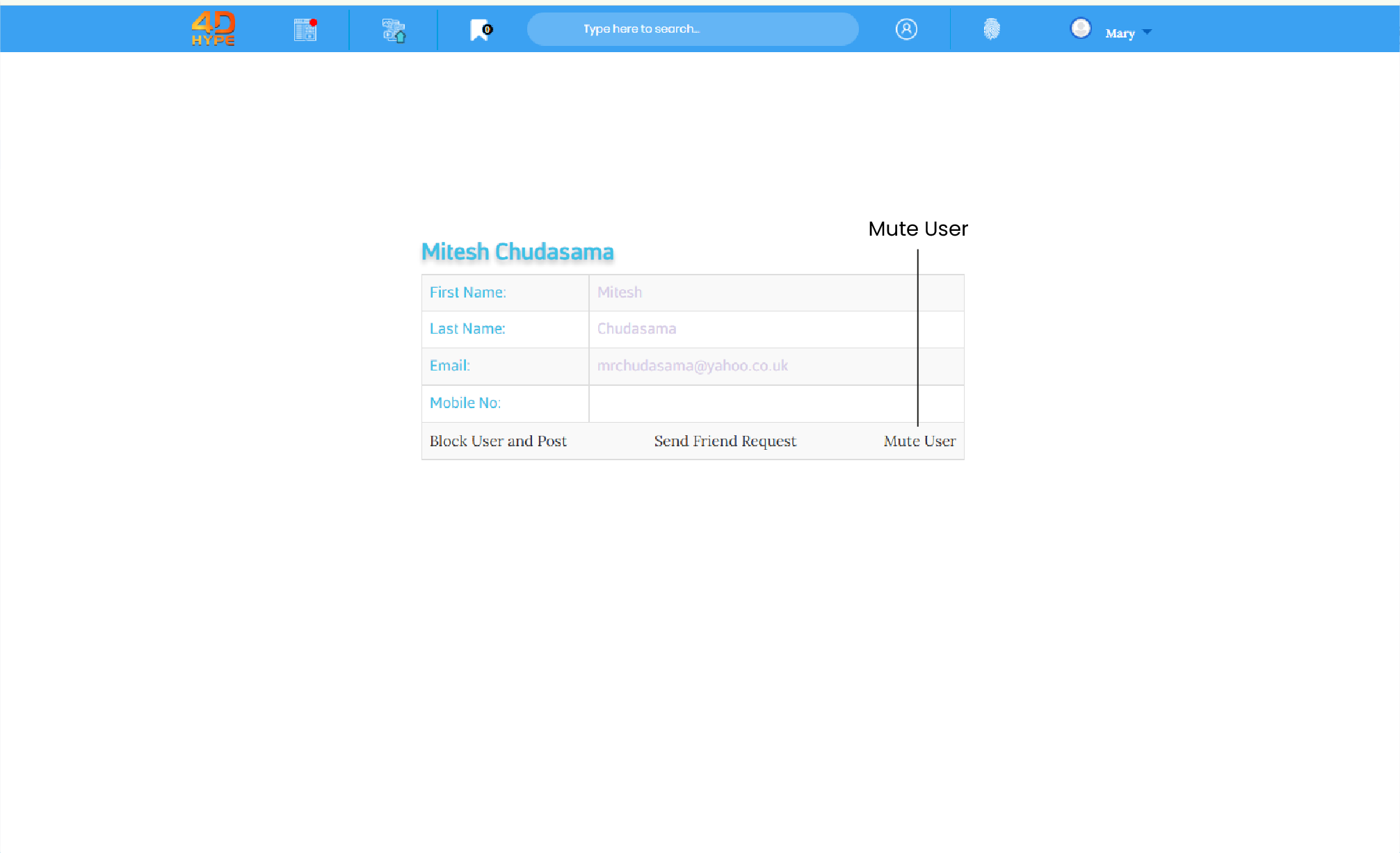
3. Upon successfully muting the user you will see the  link change to
1. From the homepage at the top click and go to the 'My Account  ' page.
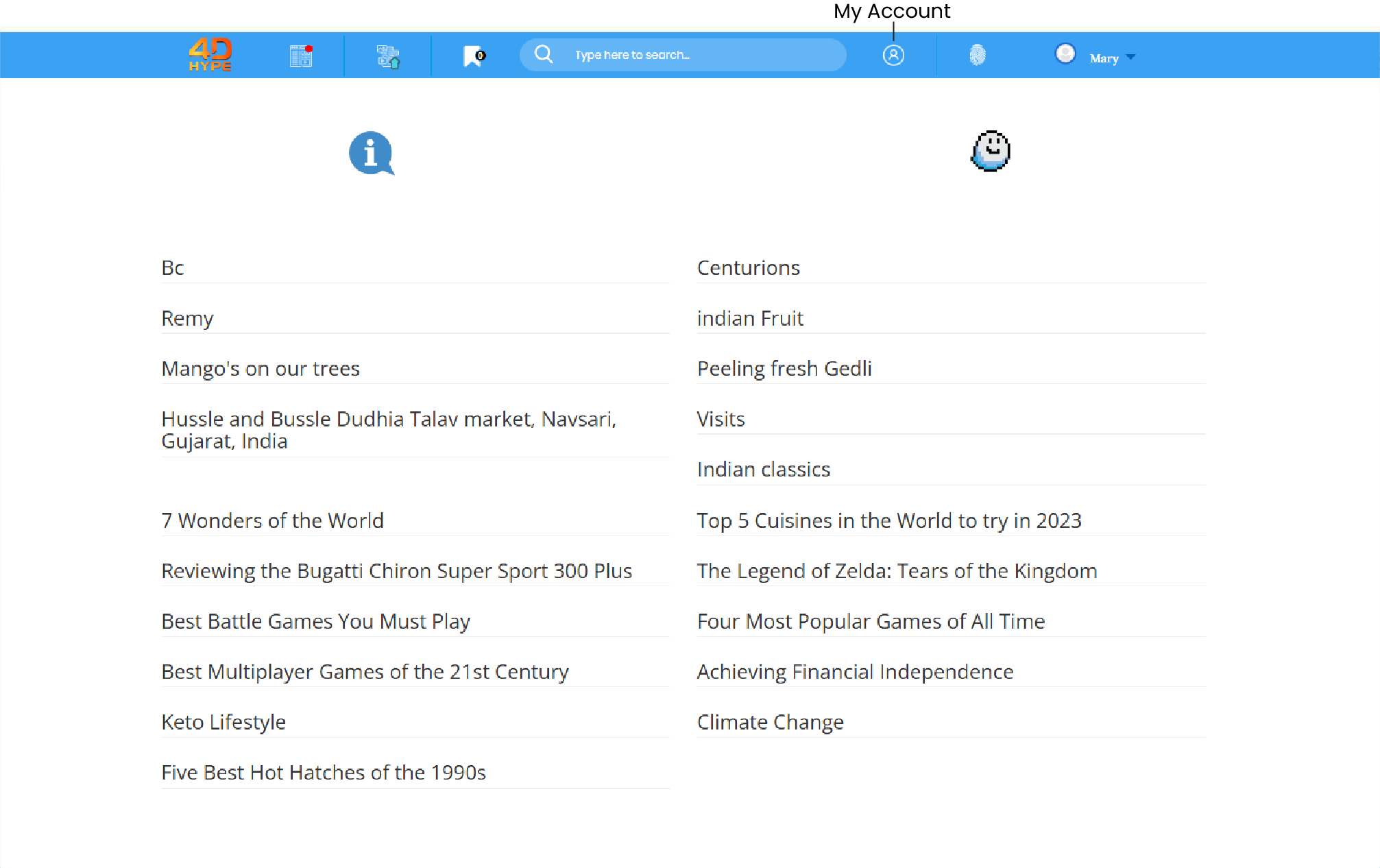
2. Click ‘Privacy and safety’ on the page on the left hand side.
1. From a Stack/Post page scroll to the bottom and click on the username, this is preceded by the text - 
INSERT SCREENSHOTS
2. When on the users profile page click on  link.
INSERT TIP BOX
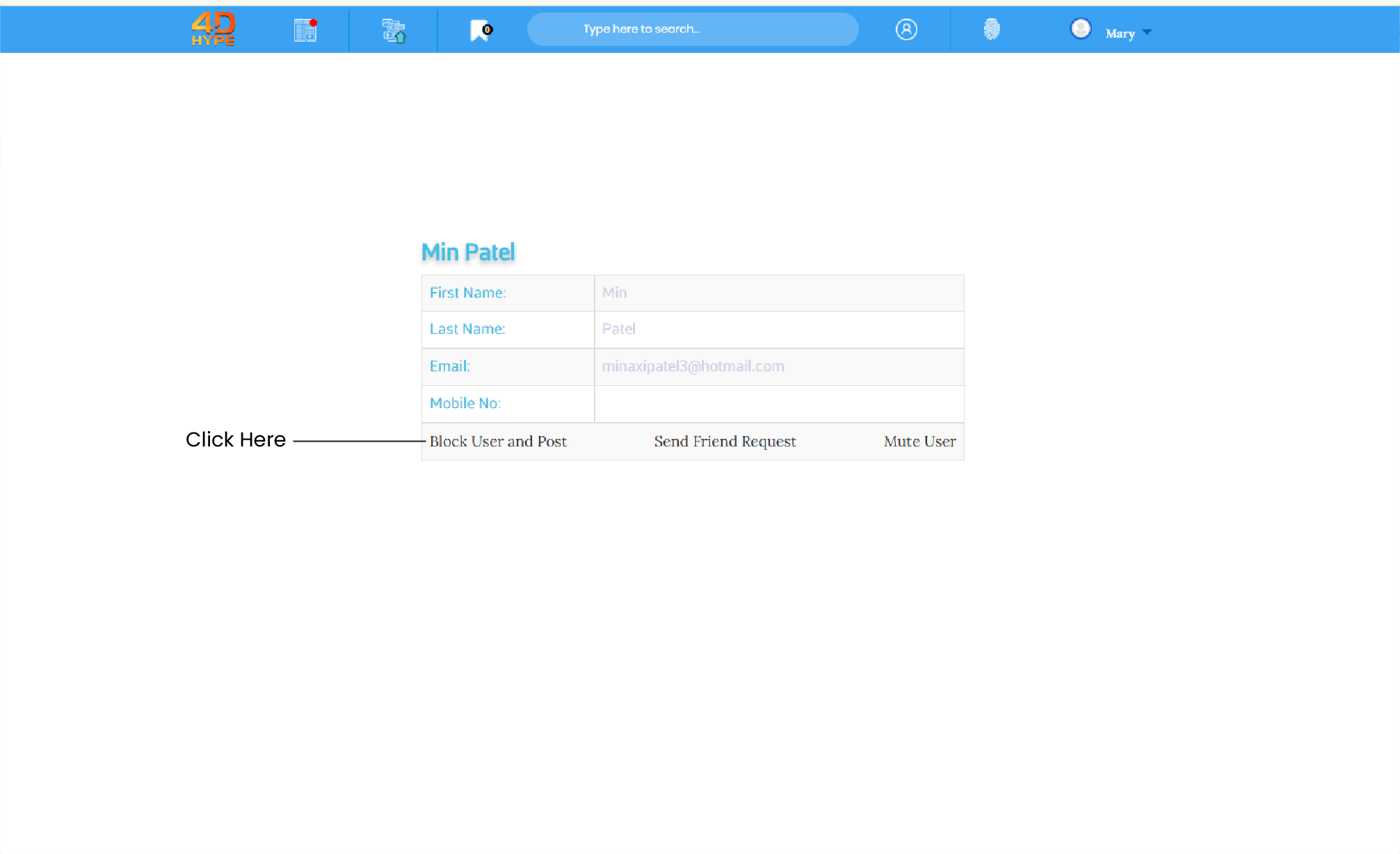
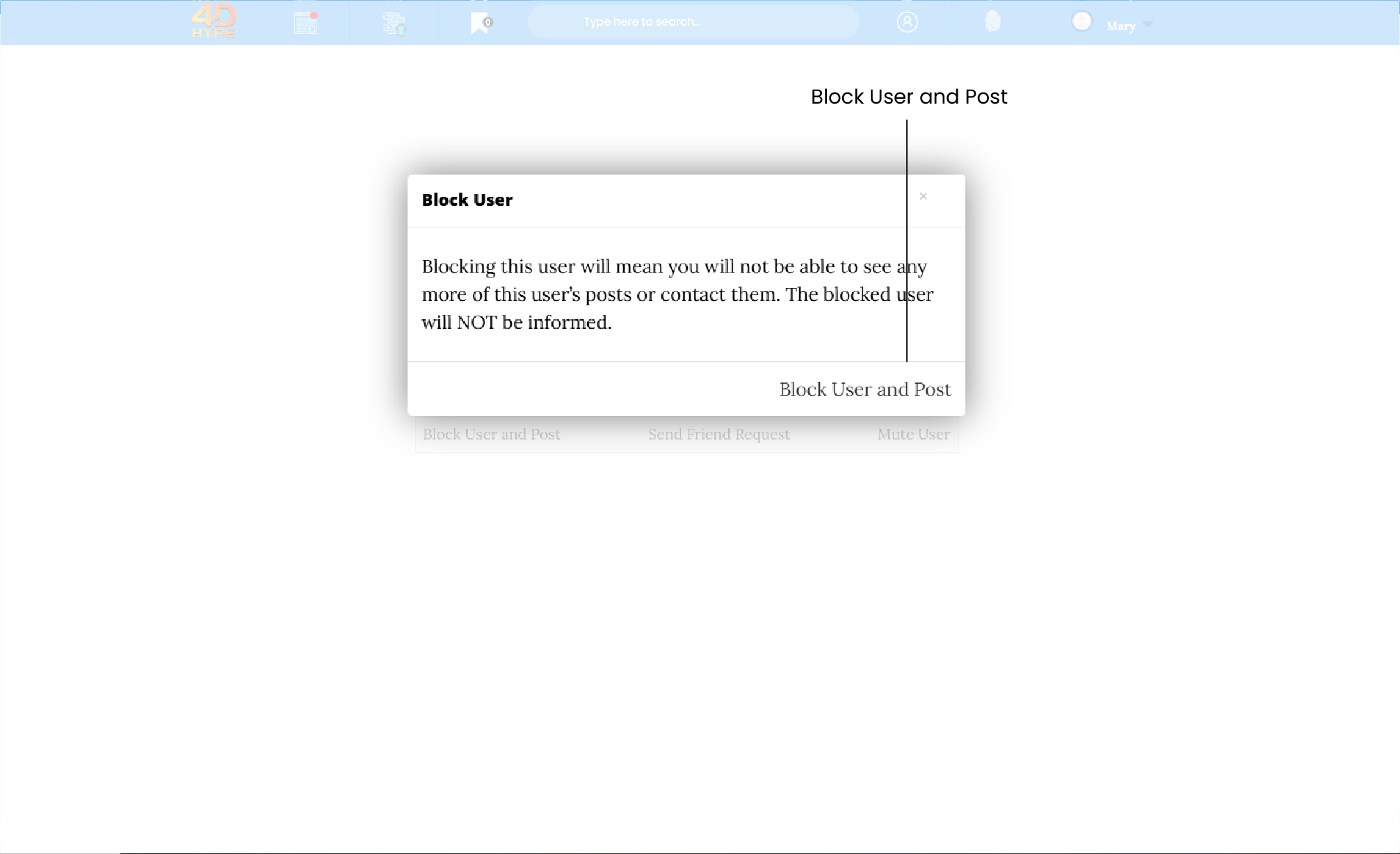
3. Click the  and 'OK' to confirm.
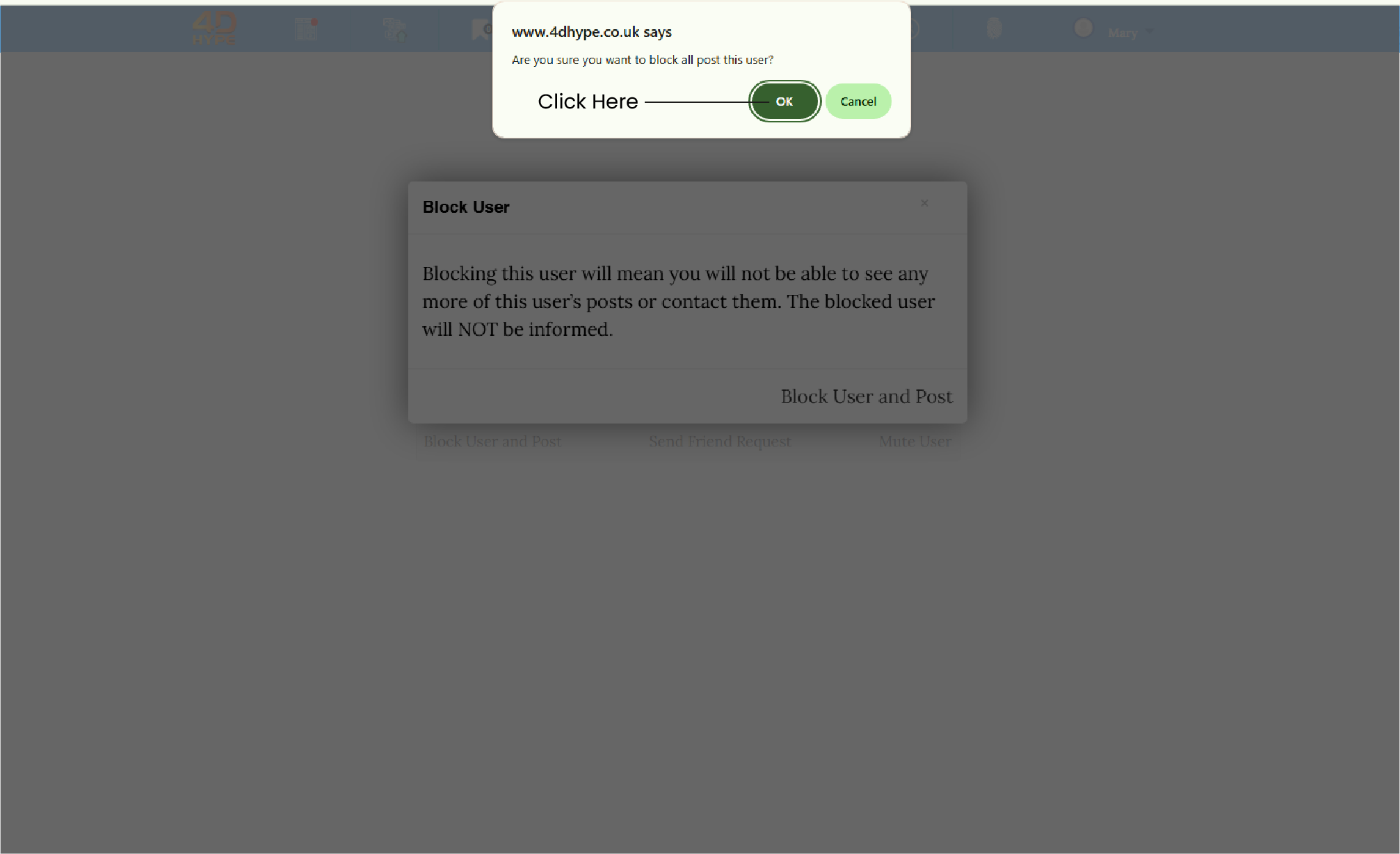
4. Upon successfully blocking the user you will be redirected back to the homepage.
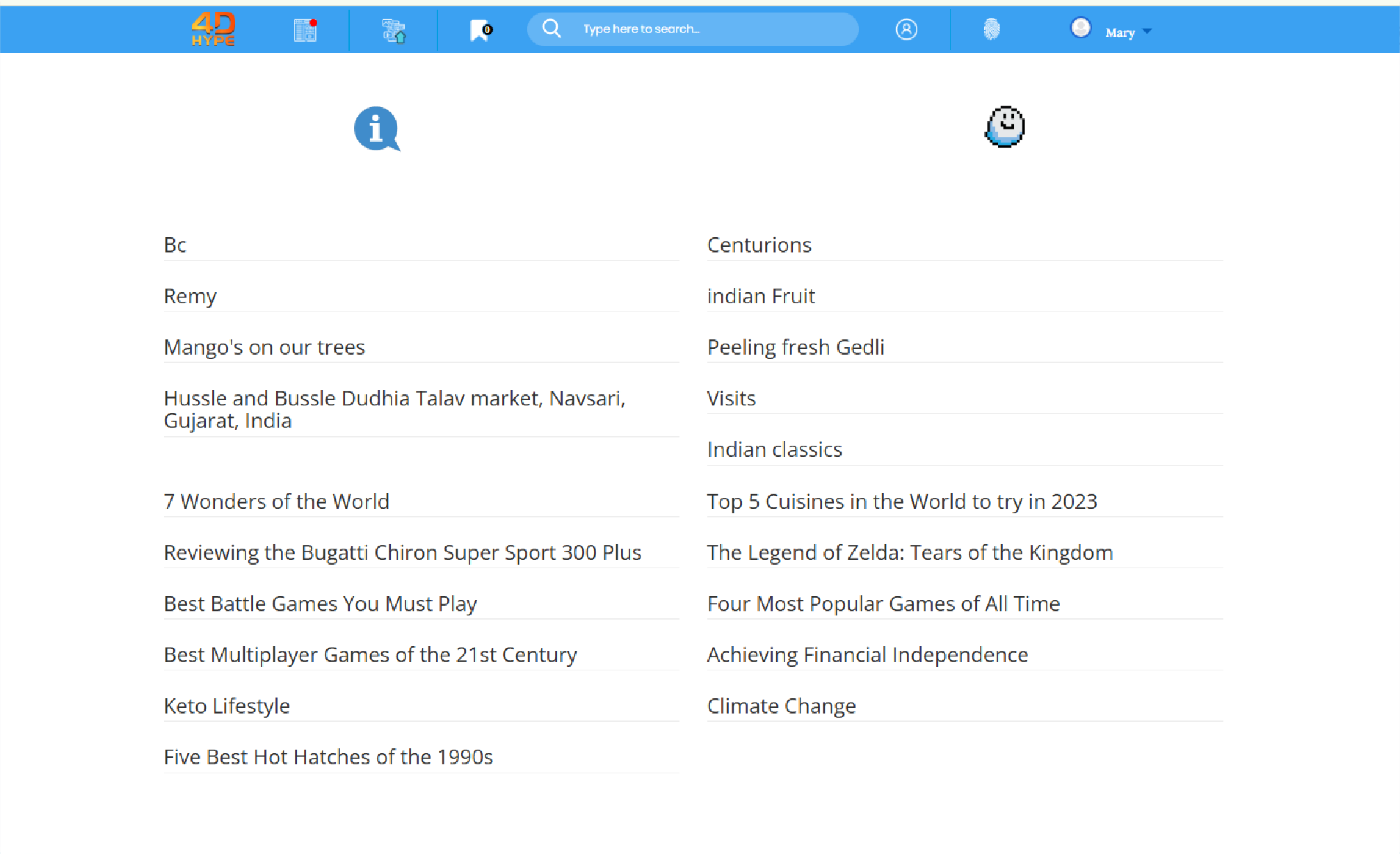
1. From the homepage at the top click and go to the ‘My Account  ' page.
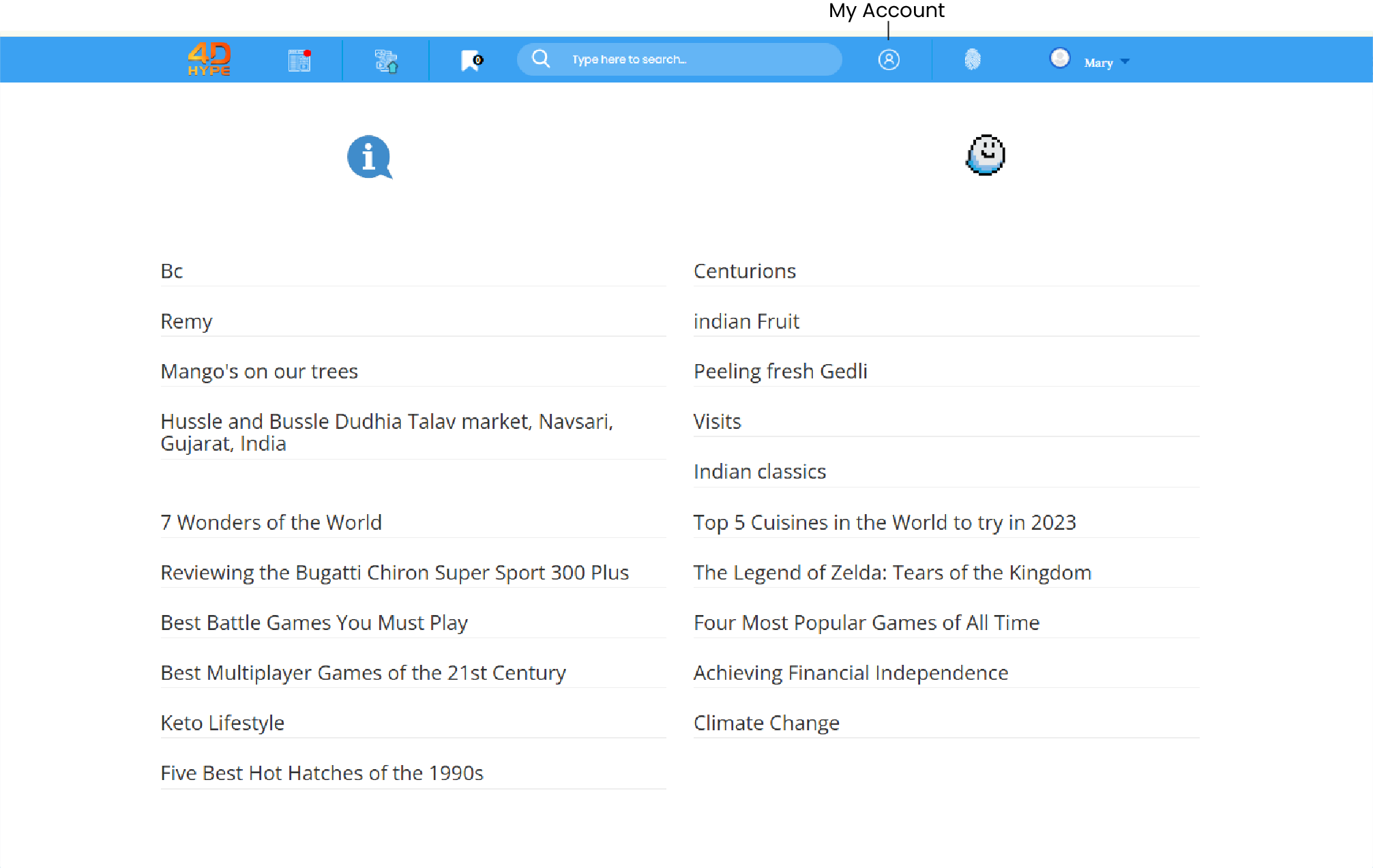
2. Click ‘Privacy and safetyʼ on the page on the left hand side.
3. Now click ‘Blocked Accountsʼ.
4. From this page you can click on the users account that you would like to unblock and click the ‘Remove the User Blockʼ link.
5. Upon successfully unblocking the user you will be redirected back to the home-page.
Not quite what you're looking for?
Contact Us