
1. From a Stack Page, scroll to the bottom to find and click on the  button.
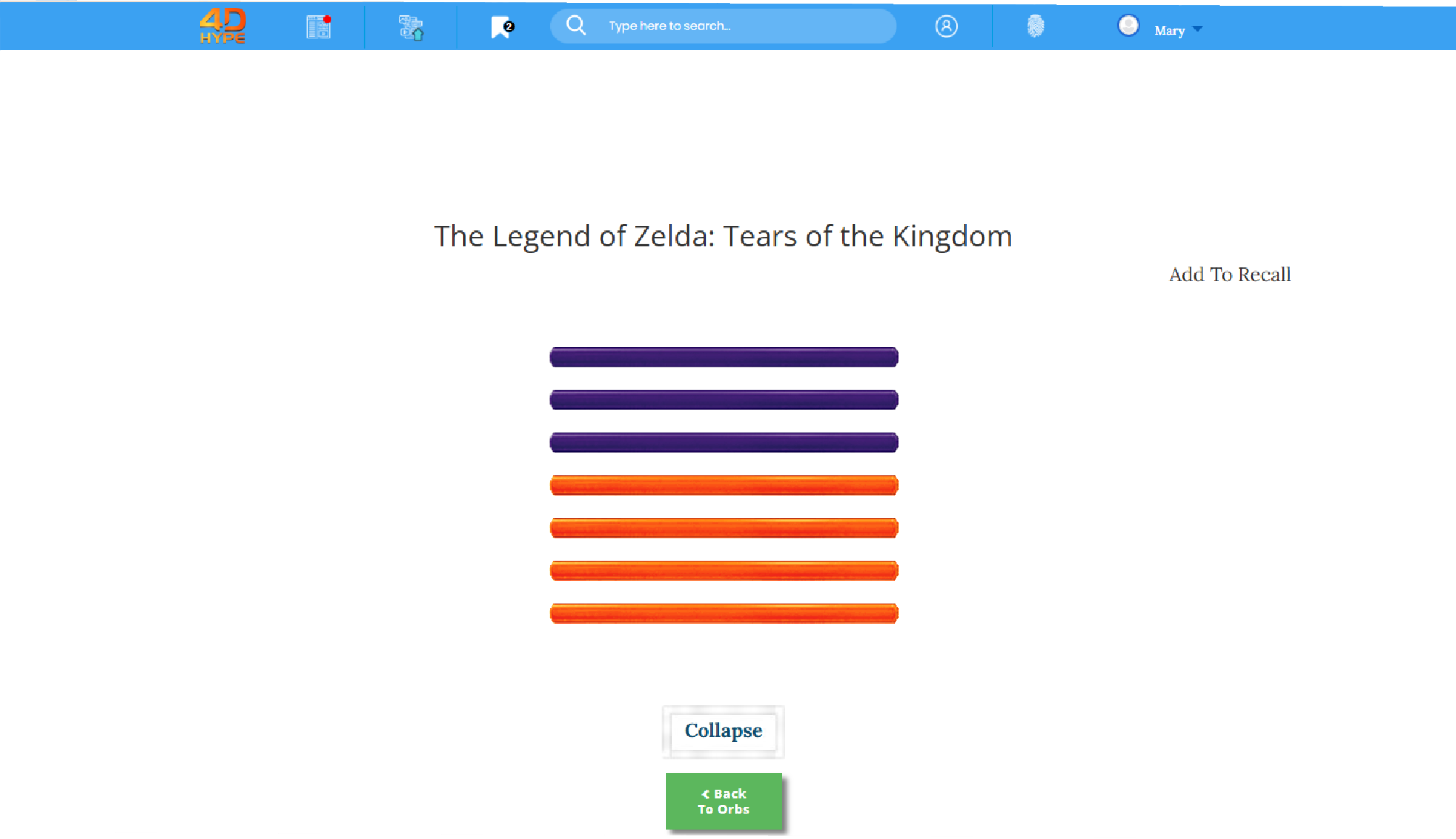
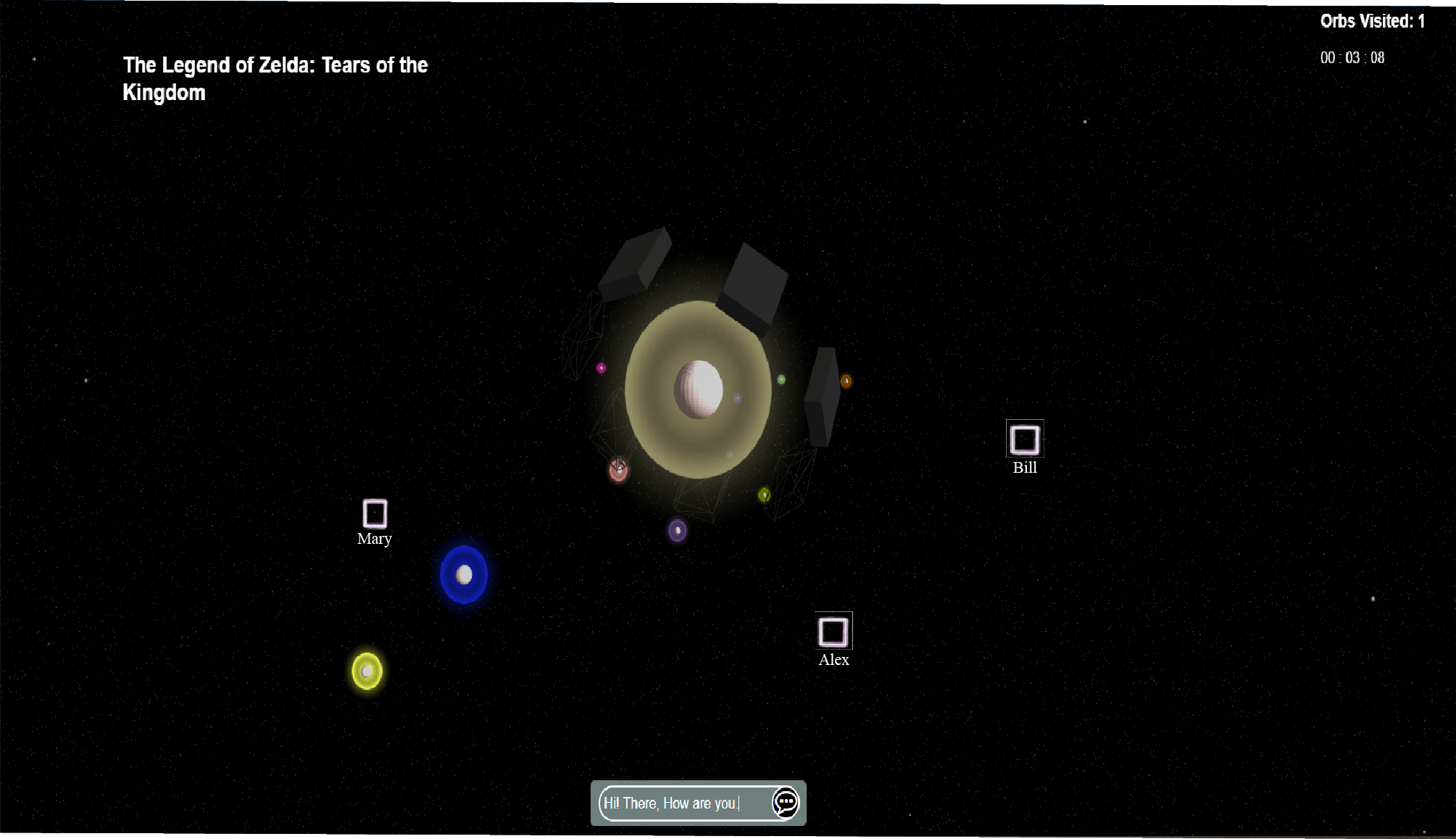
2. Then you will enter the Orbs page for that stack.
INSERT SCREENSHOT
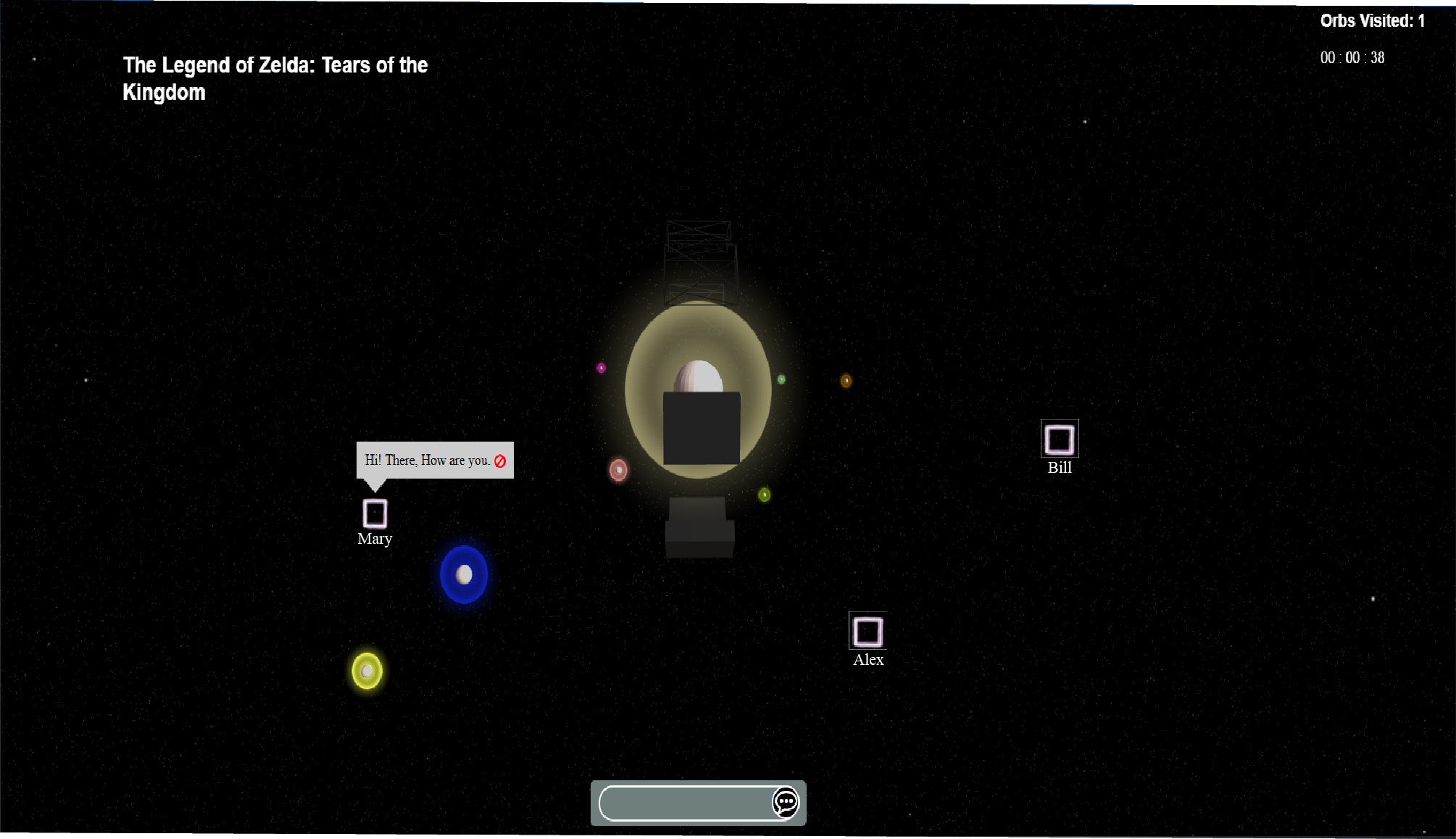
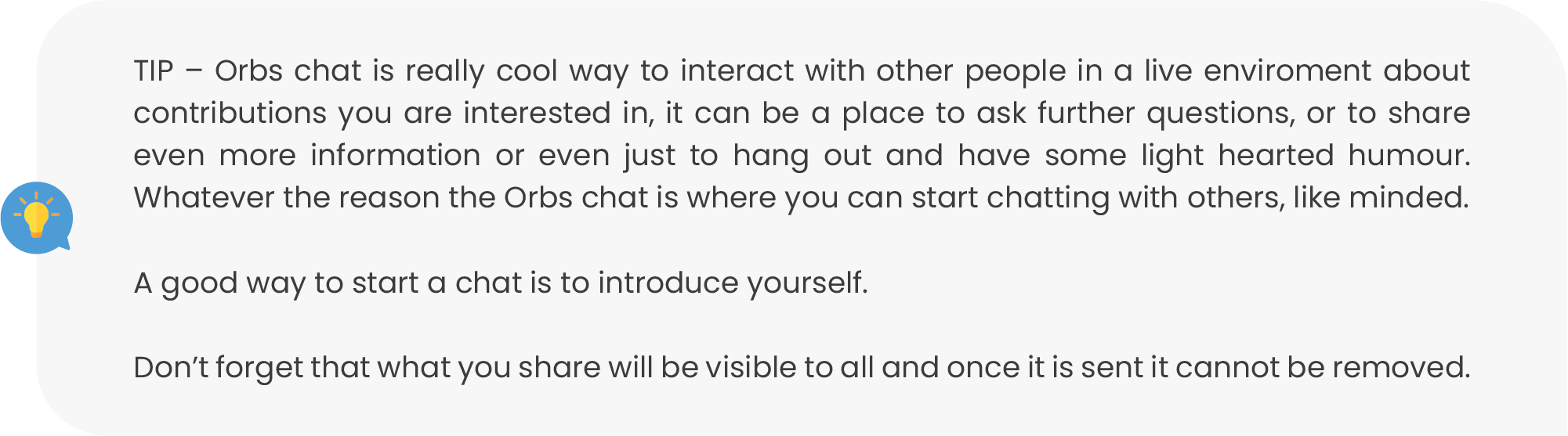
3. On this screen please enter your chat message via the keyboard entering this into the (INSERT ICON). When ready you can either click on the (INSERT ICON) keyboard button or click on the (INSERT ICON) button to send your message!
Stealth Mode was built to allow users to hide themselves when browsing the Orbs chat, we know that sometimes you may not want to be visible when browsing the platform and you still want to browse all the wonderful contributions that are available here, so you can do this discreetly and in a privacy centric way through the use our special browsing feature which is Stealth Mode!
1. From the homepage, from the top bar click on the  icon. Upon successfully turning on of Stealth Mode you will see that this icon will now remain highlighted and should now display
 when hovering over the icon.
1. To deactivate Stealth Mode. From the homepage, from the top bar click on the  highlighted icon. Upon successfully turning off of Stealth mode you will see that this icon will now remain un-highlighted and should not display
 tip again when hovering over the icon.

Not quite what you're looking for?
Contact Us